GDPR Compliance
Bulk delete, export data, unmerge tickets & redact attachments in Zendesk.
Sobre este aplicativo
Your complete Zendesk GDPR compliance solution
Respond to GDPR requests faster and manage customer data throughout its entire lifecycle. Remove, anonymize, complete user and ticket exports, redact attachments, and delete data from one app — without manual searches or multiple compliance tools.
Automate recurring compliance tasks, process data in bulk, reduce Zendesk storage, and maintain a clear record of your GDPR actions.
Comply with: GDPR (DSGVO / RGPD), CCPA, PII, LGPD, PIPEDA, APEC, CBPR, HIPAA, PCI, CPA, CTDPA, OCDPA, TDPSA, MTCDPA.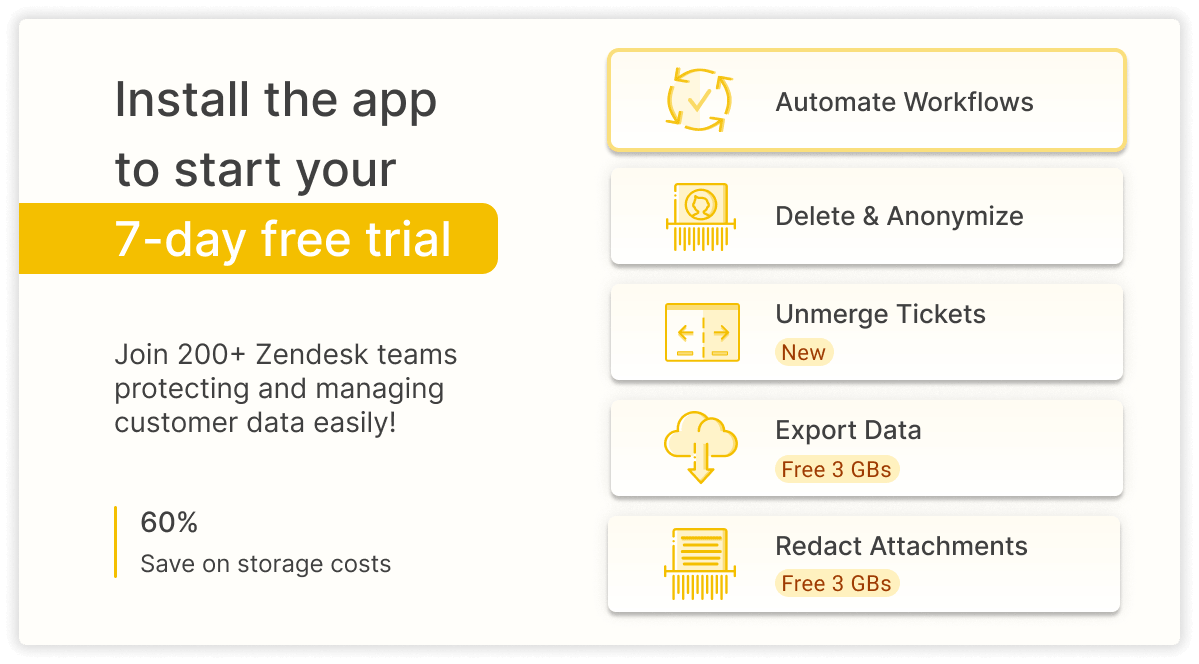
Try it for free for 7 days. Simply install a plugin to your Zendesk.
Want to get a personalized app setup? Book a free onboarding session to customize GDPR Compliance for your team and get started faster.
One app. Complete customer data lifecycle.
GDPR compliance involves more than deleting data. Our app helps manage every stage of customer data handling from one workspace:
- Retrieve customer data
- Export user, ticket, & organization records
- Anonymize sensitive PII while preserving reporting
- Delete tickets, users, and organizations in bulk
- Remove attachments automatically by file type
- Unmerge tickets without data loss
- Automate recurring compliance & storage cleanup
Essential GDPR workflows for Zendesk teams
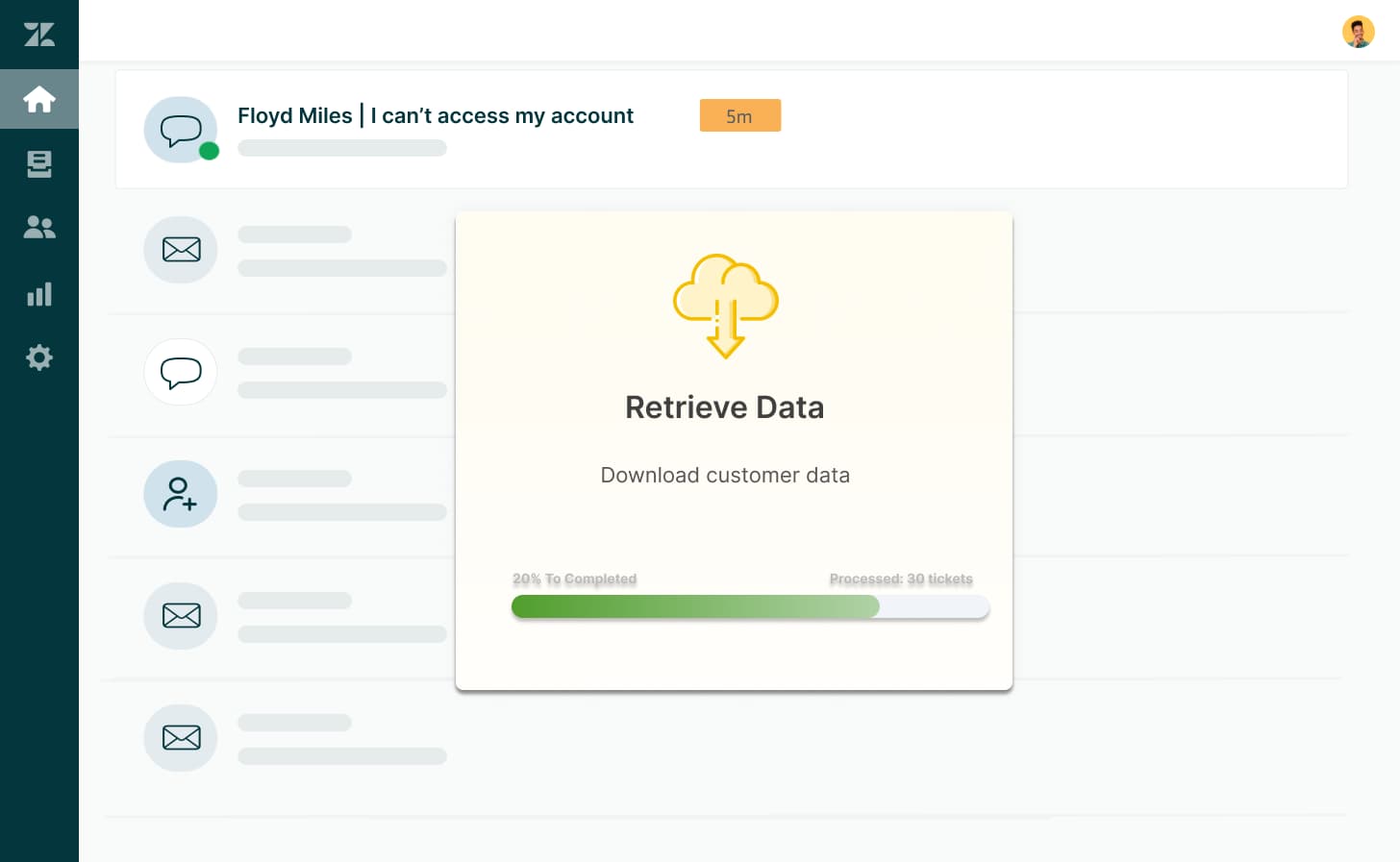
1. Retrieve for DSAR requests
Quickly retrieve customer information from Zendesk when responding to GDPR or other privacy requests.
Export customer profiles, tickets, comments, attachments, and related information to fulfill Data Subject Access Requests efficiently while reducing manual work.
2. Bulk ticket & customer export for audits
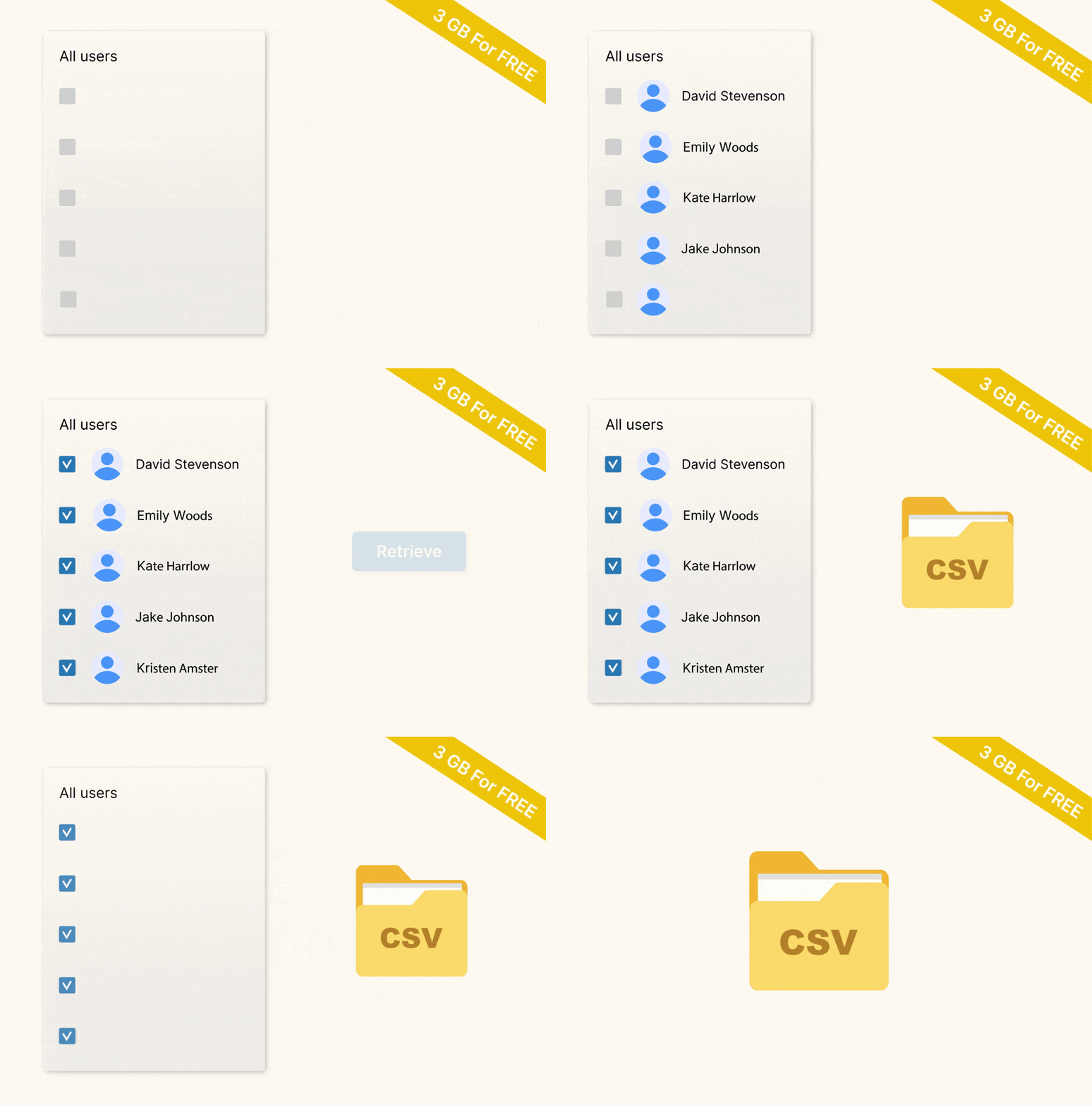
Archive customer information before anonymization or deletion using the Bulk Export Add-on.
Generate structured user exports, ticket reports, or organization archives in CSV or HTML format. Perfect for audits, compliance reviews, reporting, backups, or data migration.
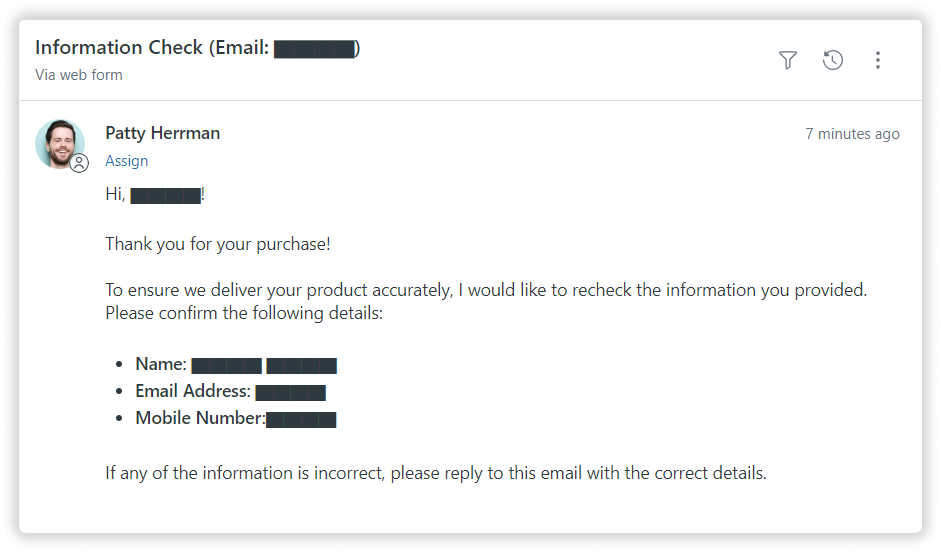
3. Anonymize data while preserving ticket history
Need to comply with the Right to Erasure while keeping valuable support history?
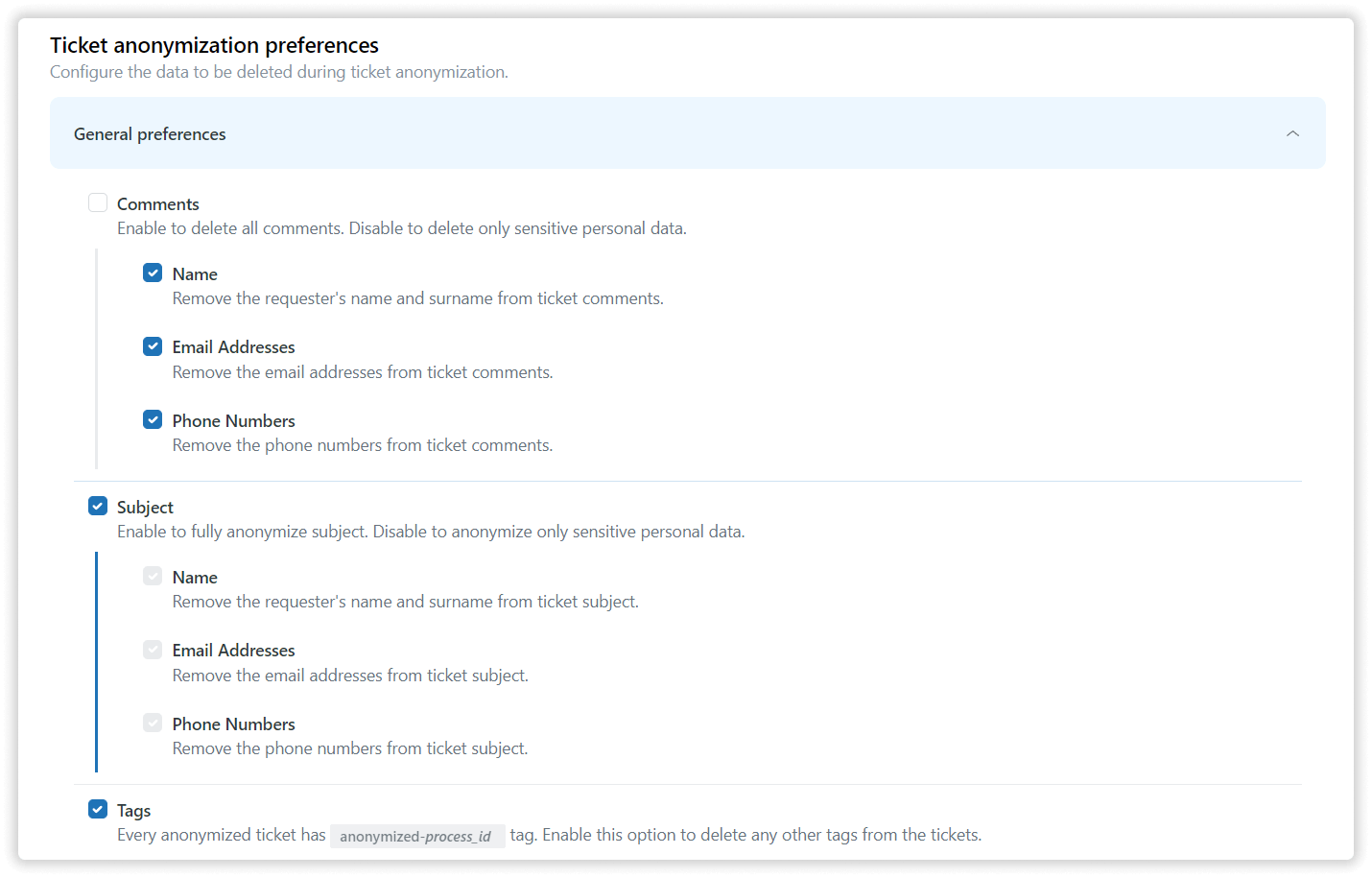
Remove only personal information (names, emails, phone numbers, and card numbers) from Zendesk tickets, while preserving the rest for reporting and analytics.
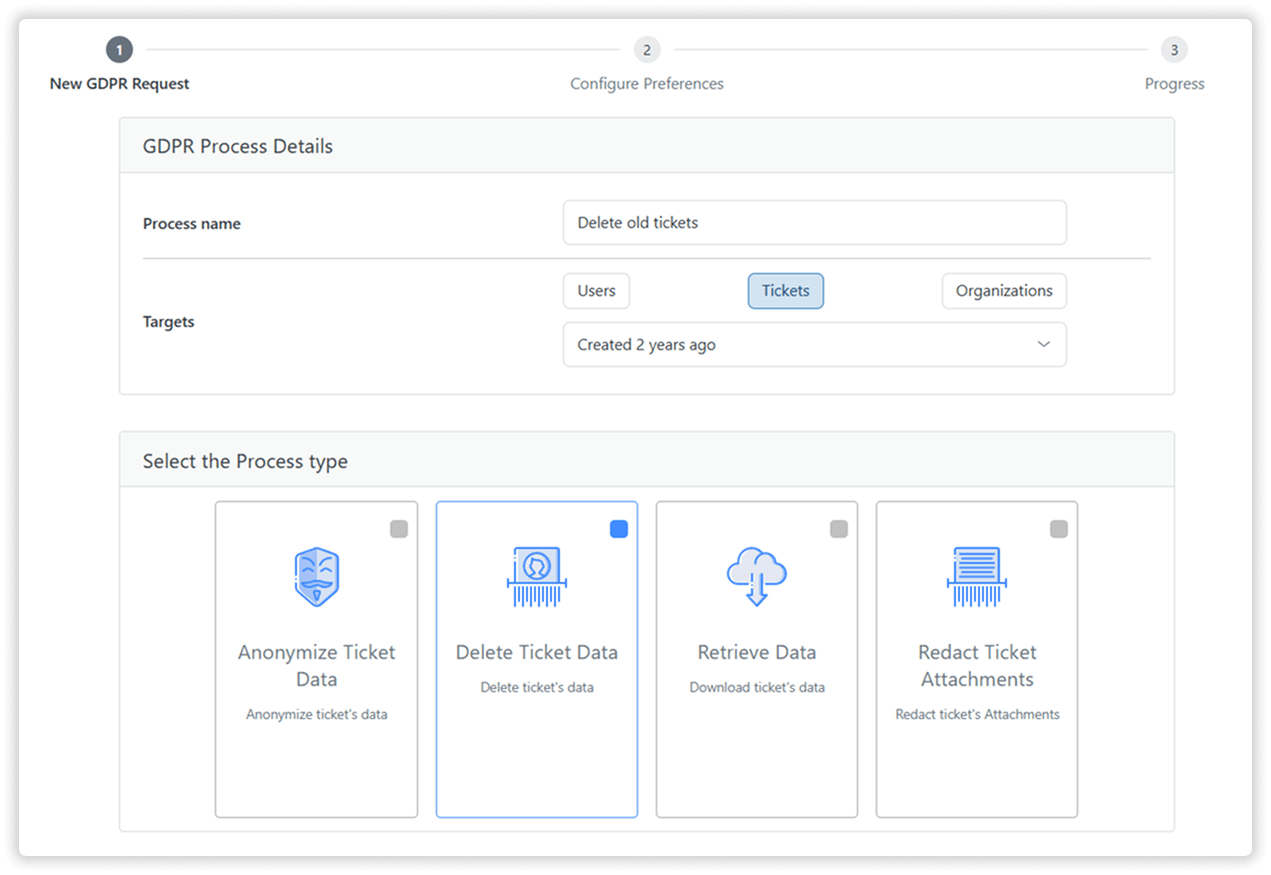
4. Permanently delete customer & organization data
Remove personal information when customers request complete deletion, when retention periods expire, or when your system needs a cleanup.
Delete users, organizations, tickets, and related customer data in bulk directly from Zendesk to support your retention policies and privacy obligations.
5. Redact attachments to reduce risk and storage
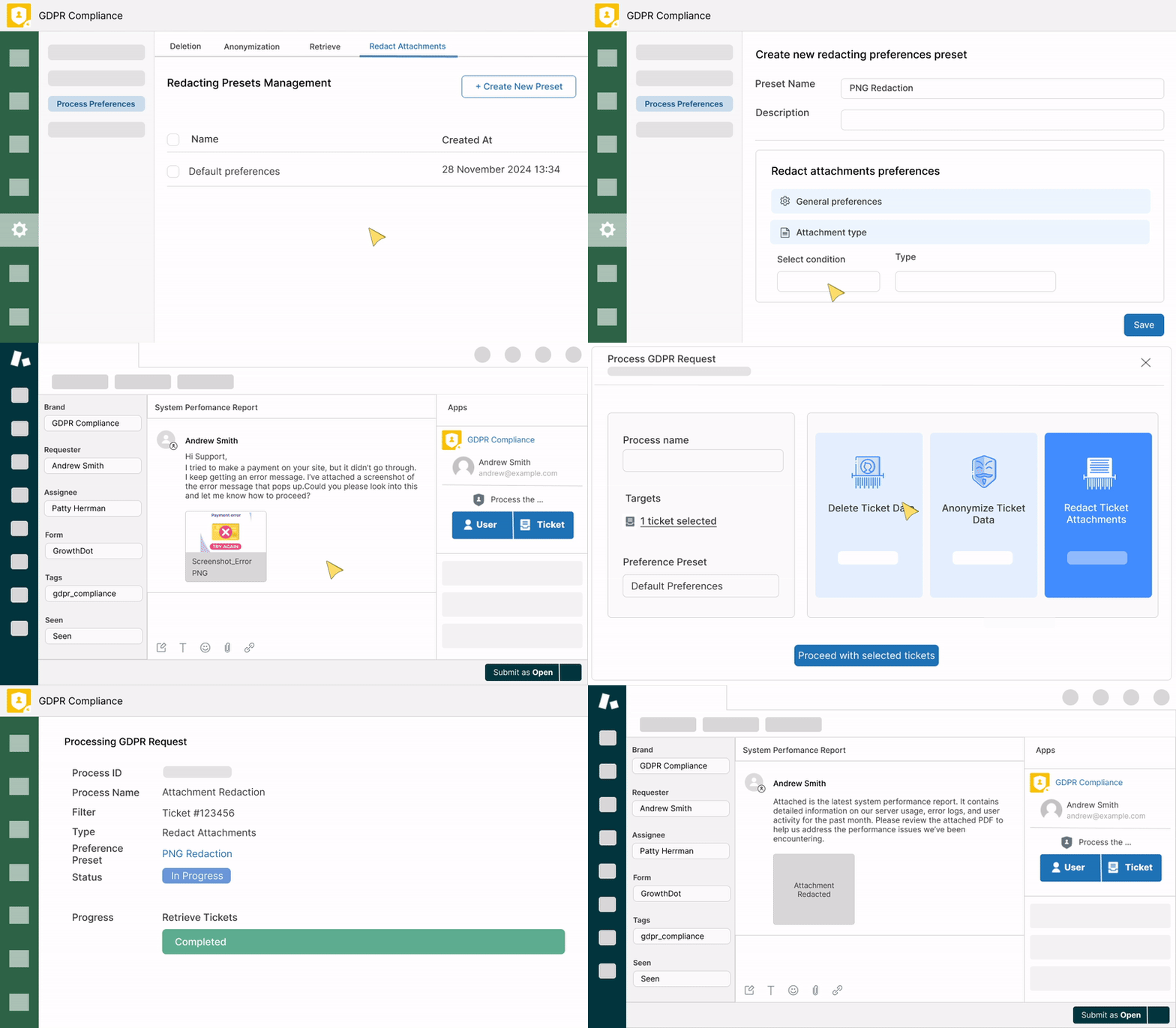
Keep Zendesk storage lean and compliant by automatically bulk-deleting attachments across tickets.
For example, set rules to delete files after ticket closure to maintain a consistently clean workspace. Choose which file types (e.g., PNG, PDF, CSV, MP4) to process and remove attachments without altering ticket details.
6. Unmerge tickets without losing data (New!)
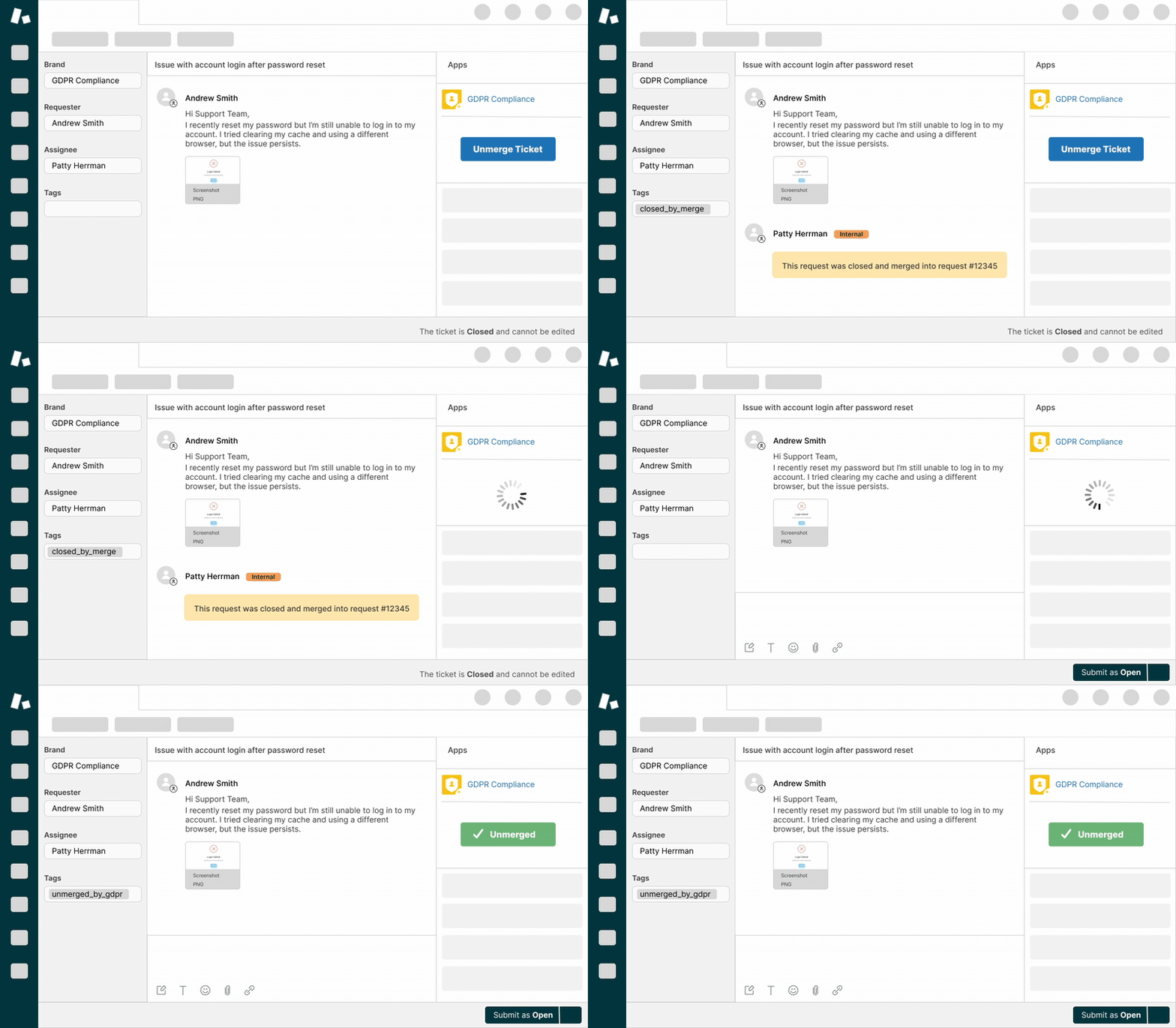
Easily separate merged Zendesk tickets (ticket split) or entire ticket lists.
Fix accidental merges or restore ticket histories to maintain clear reporting and continuous compliance. Each unmerged ticket retains its original requester, comments, attachments, tags, and all other fields.
Why choose GrowthDot GDPR Compliance for Zendesk?
Automate recurring compliance workflows
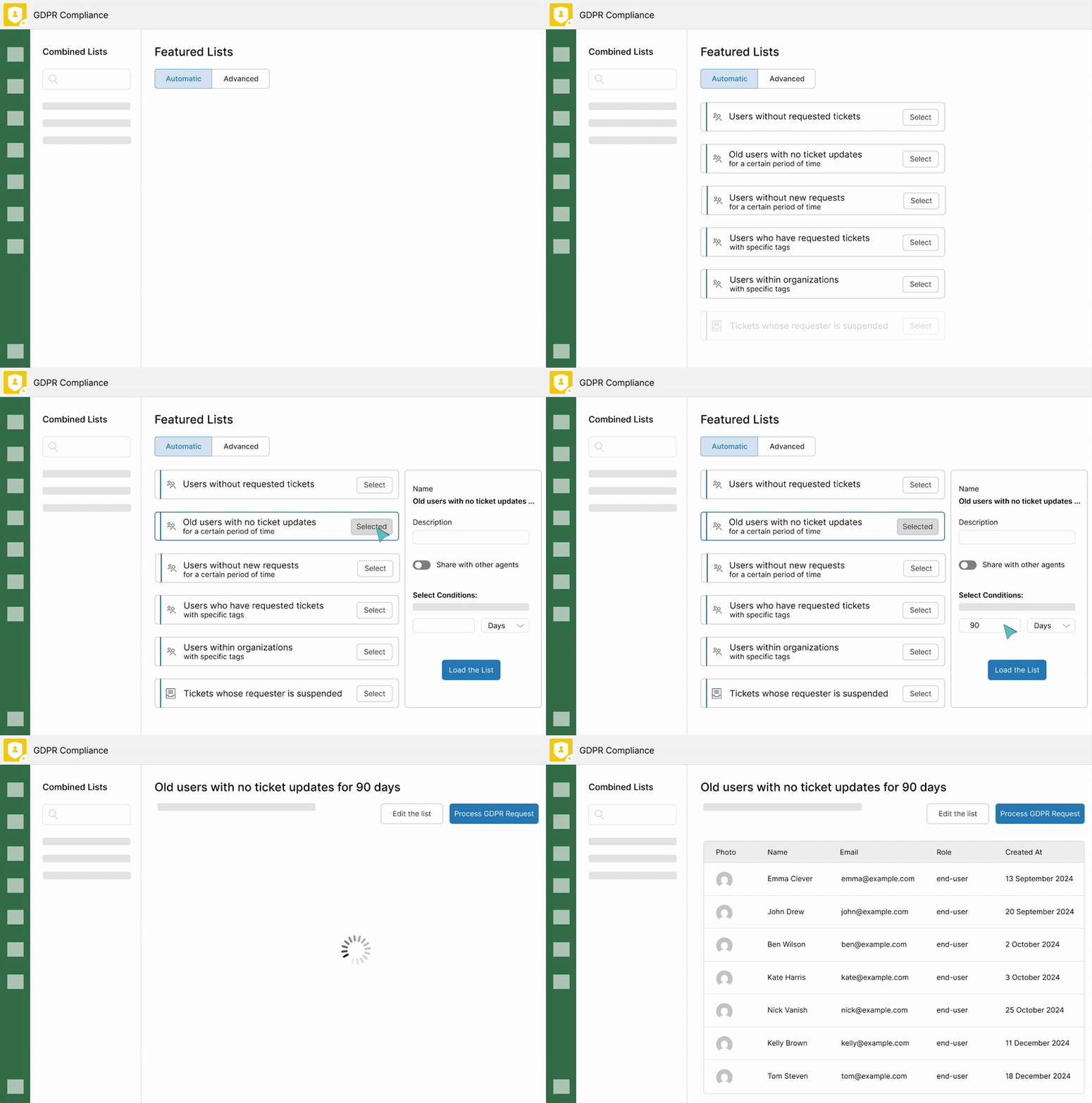
Create reusable GDPR workflows with custom combined lists and scheduled actions. Filter data based on tags, custom fields, organization attributes, inactivity periods, and more — then let the app handle recurring compliance tasks automatically.
Bulk delete inactive users with no open tickets.
Clean up test accounts, churned organizations, or closed departments.
Process suspended user tickets in bulk to reclaim storage space.
Automatically anonymize tickets tagged for data removal requests.
Schedule recurring deletion, anonymization, or attachment redaction tasks.
Set flexible data choices
Handle bulk or individual processes, customize actions, and save presets for recurring workflows.
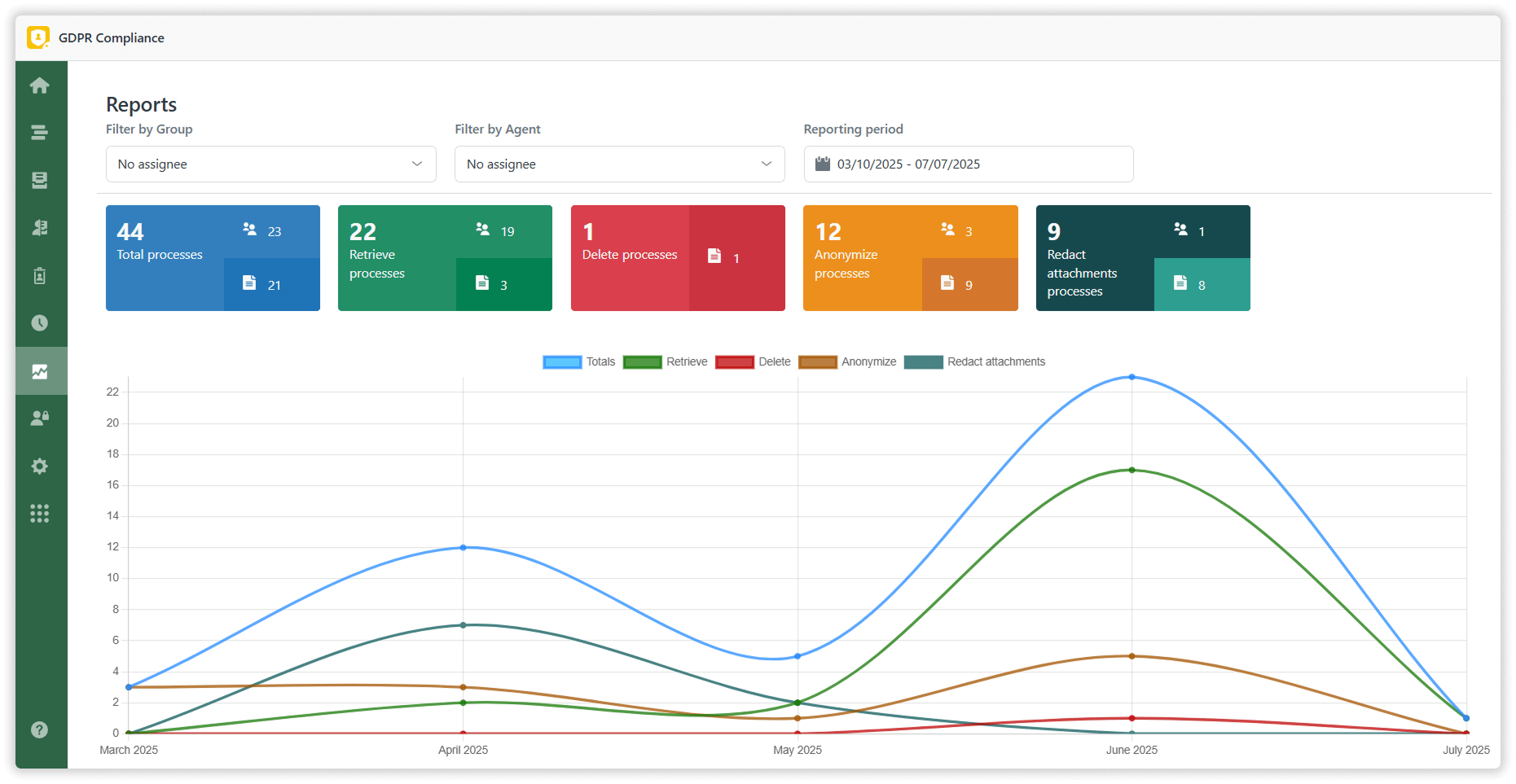
Track every GDPR action
Keep a complete record of exports, deletions, and other compliance activities with detailed audit logs and reports.
Enterprise-grade security
We ensure your customer data is handled securely with:
Secure AWS infrastructure
No third-party AI models or bots
No external data processing or storage
Minimal data retention practices
Full control over sensitive customer information
Keep your Zendesk data compliant, organized, and audit-ready with our complete GDPR Compliance tool. Start your 7-day free trial today!

Detalhes do aplicativo
Como instalar
Installation
Adding the GDPR Compliance app to your account is simple. Just follow these steps:
Install the app from the marketplace.
Select the account to install the plugin into.
- Enable the plugin in Admin -> Apps -> Manage.
Sign in and give access to your account in one click.
Start reading user data in a quick, easy and efficient manner.
Deixe uma avaliação
Compartilhe sua experiência com o resto da comunidade Zendesk