Help Desk Migration by Relokia | Automated Data Migration to Zendesk | Consulting
certificações
10

Quem somos nós
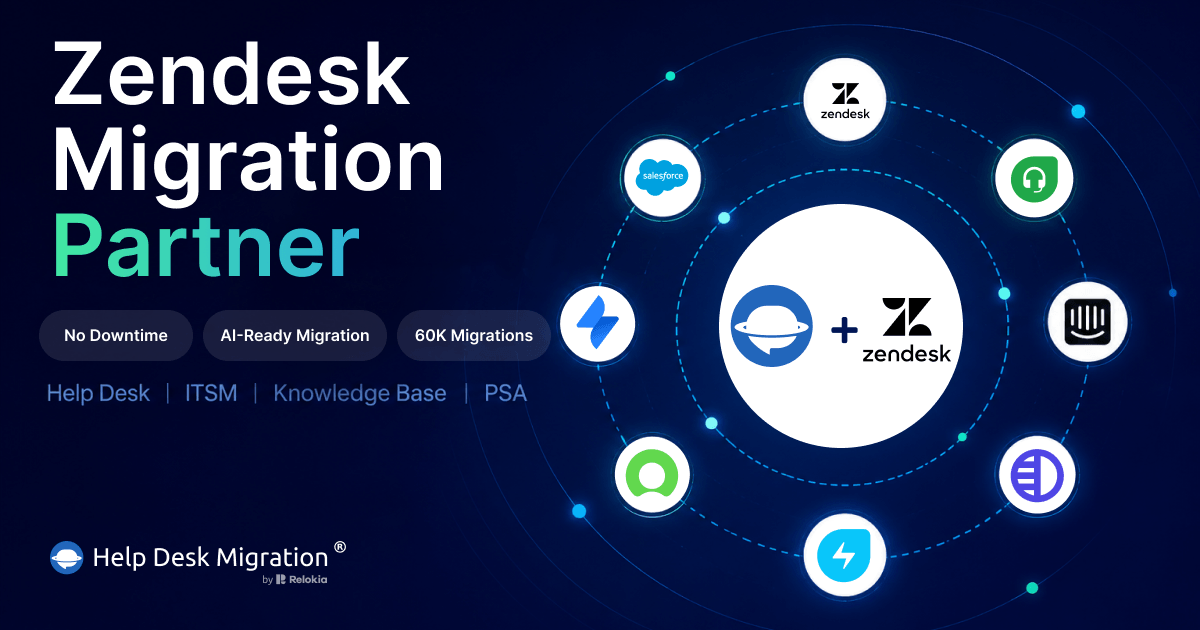
Trusted Zendesk Data Migration Partner. Migrate to Zendesk flawlessly from 100+ platforms — with no business downtime. We preserve every ticket, conversation, and knowledge base article exactly as it was, so your team can switch help desks.
With thousands of successful data migrations behind us, Help Desk Migration understands what different industries actually need — not just technically, but operationally. We migrate your data with zero downtime and no business interruption to your live support, backed by top-tier security at every step. From planning and data mapping to filtering and full customization, we tailor every step to your business, not the other way around.
Wherever your data starts, it lands in Zendesk exactly where it belongs.
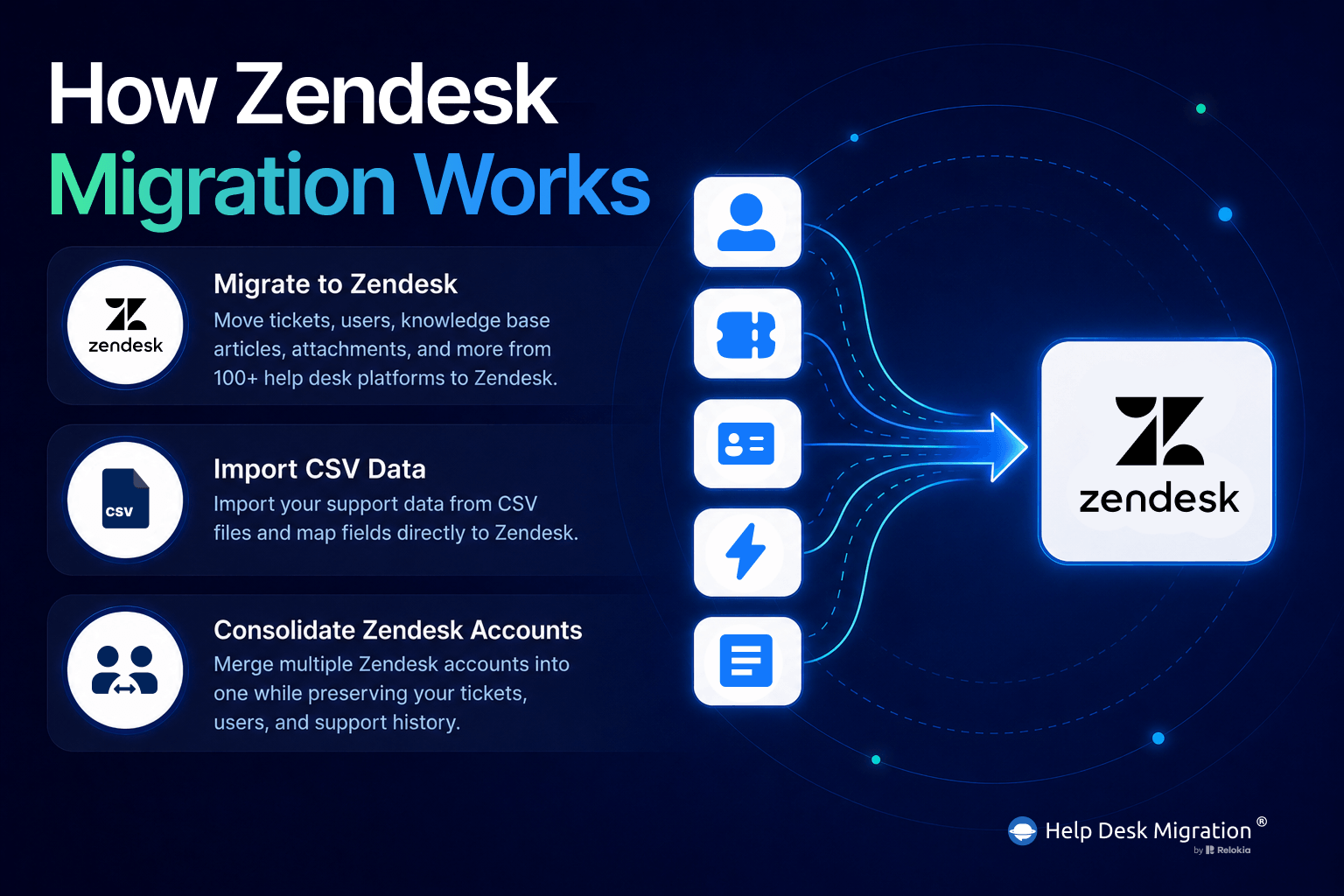
- Migration from another platform — Migrate data from 100+ help desks, including Freshdesk, Salesforce, Intercom, HubSpot, Jira Service Management, and ServiceNow.
- Import from a CSV file — Skip the manual cleanup. Upload your CSV, and map your fields directly to Zendesk.
- Zendesk consolidation — Merge multiple accounts after an acquisition or reorganization, or split one account into several — all without losing a single ticket.
Whatever your starting point, your tickets, contacts, knowledge base, and data relationships arrive in Zendesk intact, accurately mapped, securely transferred, and ready to use.
How our data migration solution works
Help Desk Migration offers a straightforward approach, facilitated by our Migration Wizard, which demands no coding expertise. Simply log in, configure your migration settings, run testing, and execute the Full migration when you're prepared.
Step 1: Log in
Sign up with our Migration Wizard and start your Free Demo.
Step 2: Connect your platforms
Securely connect your source and target systems — Choose your source from 100+ supported platforms, and connect it securely to Zendesk as your target system.
Step 3: Configure your migration settings
Choose exactly what to migrate — create custom fields right in the Help Desk Migration Wizard. With 95% of fields auto-mapped, all you need to do is review and confirm.
Step 4: Run a Free Demo
Choose 20 random records or specific ticket/article IDs from your own account. We migrate just that sample into your new system — with real data, real fields, and real formatting — so you can open it up and see exactly how your tickets, tags, and attachments will look and function before running the Full Migration.
Step 5: Start the Full Migration
Once everything’s set, launch your Full Data Migration—fast, accurate, and disruption-free.
We understand the importance of your data. Our data migration tool guarantees the integrity and accuracy of your transferred information, and our flexible options ensure that everything is transferred exactly as you want it.
What our data importer can transfer
Help Desk Migration migrates a wide variety of help desk data, including:
Tickets, including tags, notes, inline images, attachments, time stamps, and CC in tickets
Agents
Contacts
Organizations
Business objects like triggers and macros
Knowledge base records, including articles, folders, and sections
Custom fields for tickets, contacts, and organizations
Side conversations
Call recordings
Features & Options offered by Help Desk Migration
Pay only for what you migrate. Pricing is based on record volume, so there are no hidden fees — just a clear cost that scales with your needs.
Powerful out-of-the-box options paired with expert professional services — everything you need for a fast, secure move to Zendesk.
- AI-Ready Migration — Structure your data for AI-powered support from day one. Clean, well-mapped tickets and knowledge base articles mean your AI agents and bots have accurate, reliable data to work from — not legacy clutter.
- Private Cloud Migration — Meet strict data residency and compliance requirements with migration hosted entirely in your own private cloud environment. Built for regulated industries and enterprises that can't compromise on where data lives.
- Interval Migration — Migrate without disrupting live support. Schedule your import during business hours and pause up to 5 times, each for up to 5 days, without losing progress or restarting.
- Delta Migration — Never lose a ticket between test and go-live. After your Full Migration, automatically capture every record created or updated in the meantime — so your final cutover is always current.
- Enterprise-grade data security — Prioritized throughout migration to ensure compliance with global and industry security standards.
- Custom development services — Tailored solutions for your specific data migration requirements or import alterations.
- Dedicated live support — Guides and assists you whenever you need it.
- Professional services — We handle the entire import process for you: planning, records mapping, and automated data transfer.
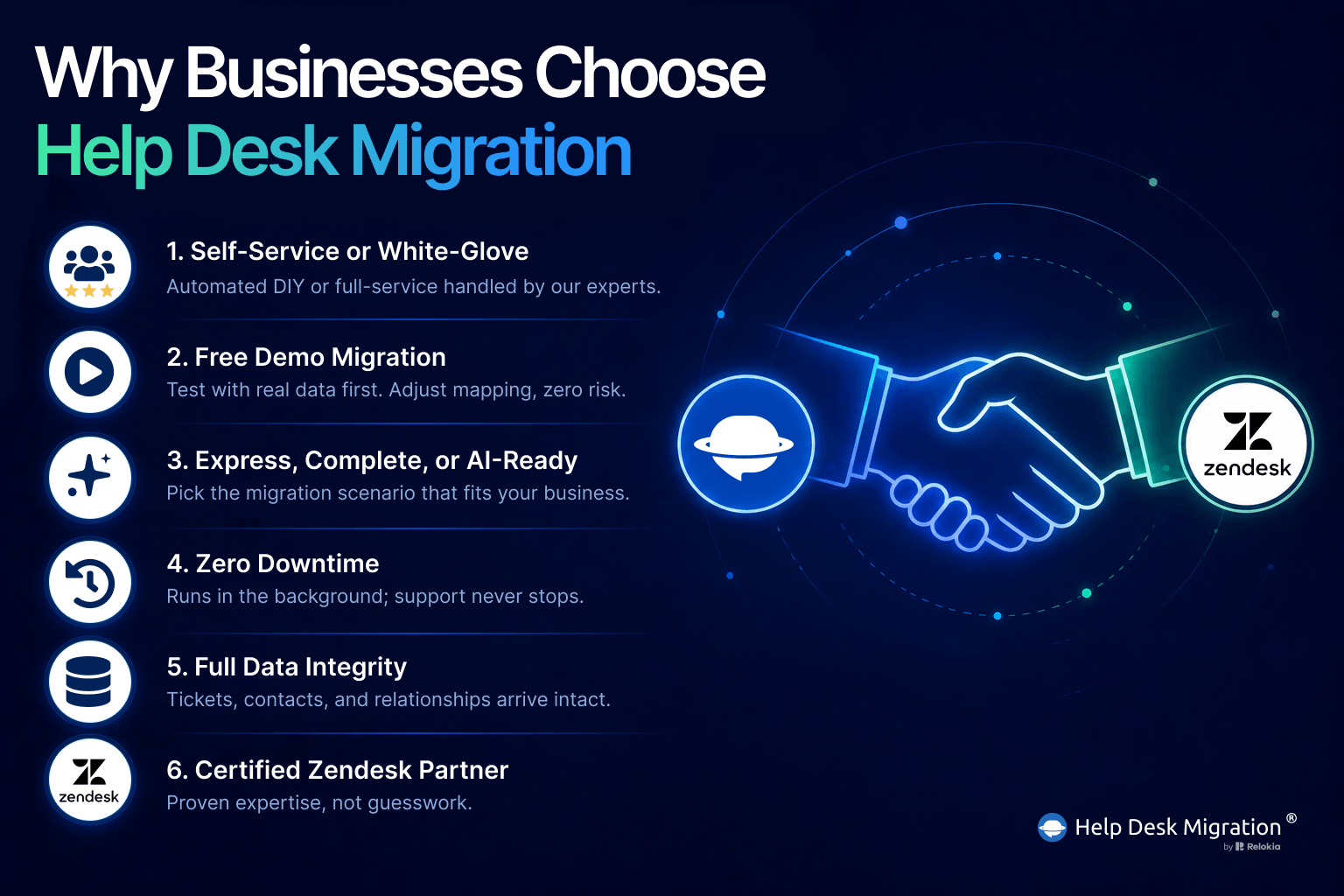
Why choose Help Desk Migration?
What industries use our services?
Help Desk Migration serves a wide range of industries where help desk software is used to manage customer support, technical assistance, and other related functions. Our ticket migration tool helps companies securely move data between platforms like Zendesk—without disruption.
We work with:
IT Support & Managed Service
Software Product
Education
Manufacturing
Real Estate
Publishing & Distribution
Telecommunication
Retail & E-Commerce
Logistics & Transportation
Every industry has unique data needs — our Zendesk migration solution is built to meet them.
What do our customers say?
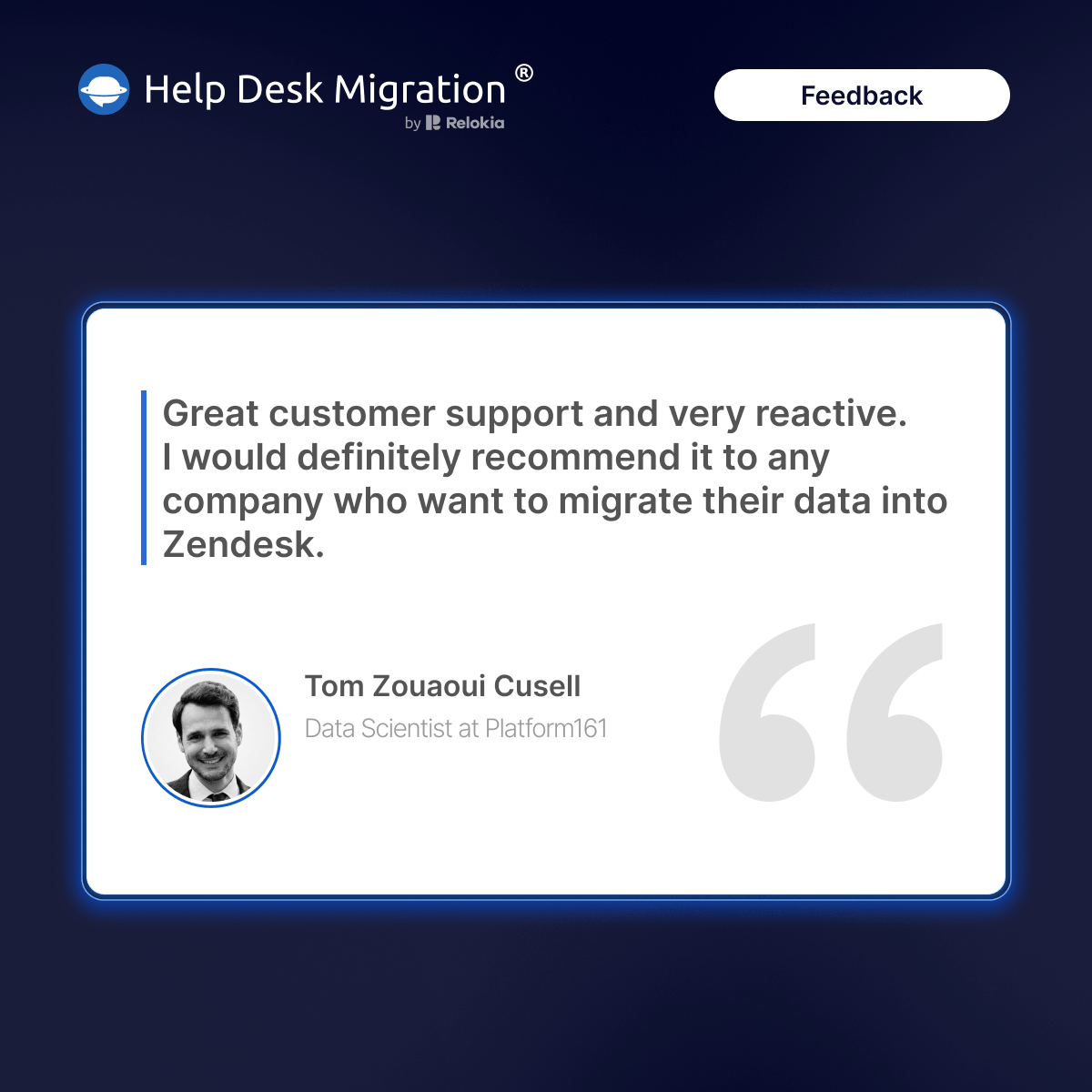
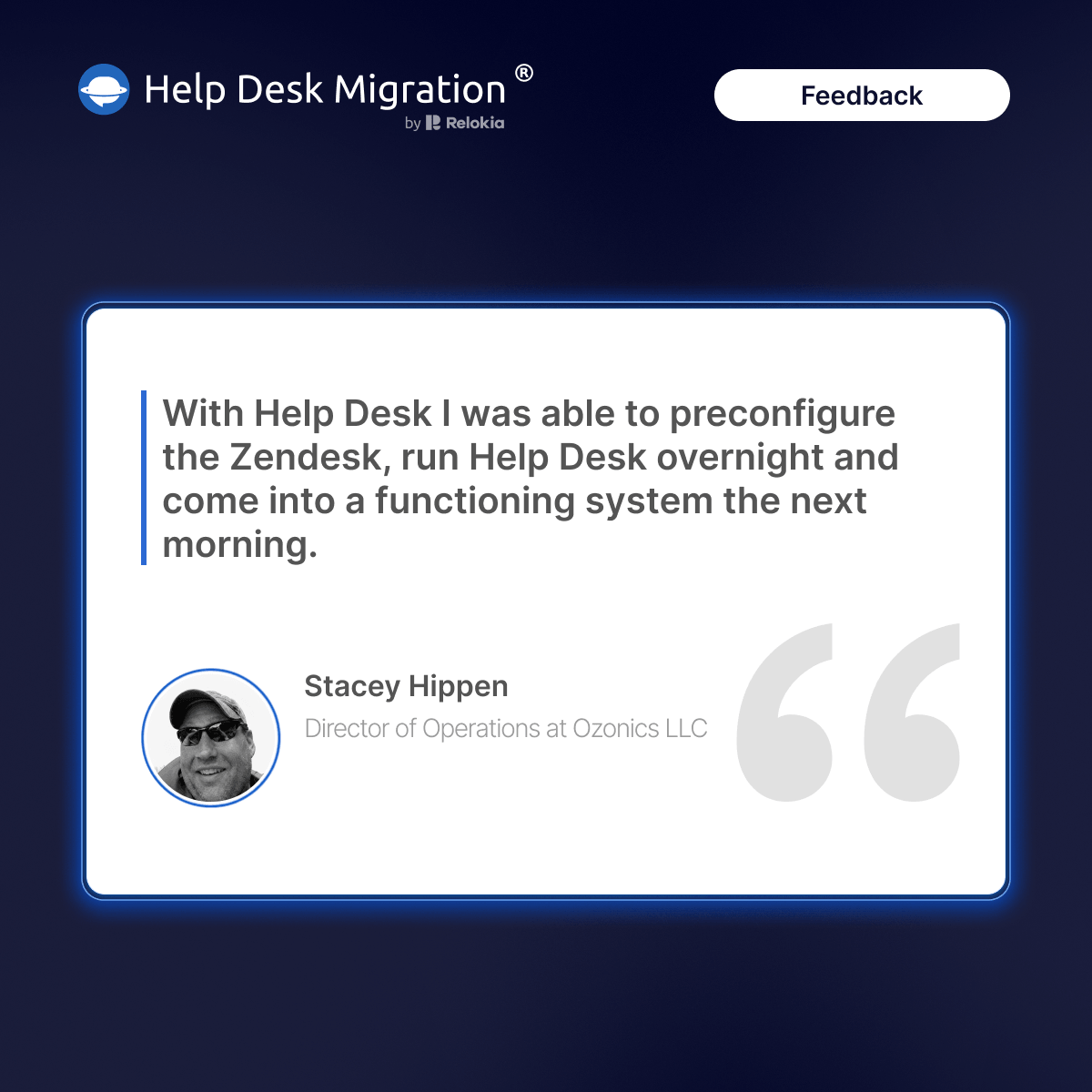
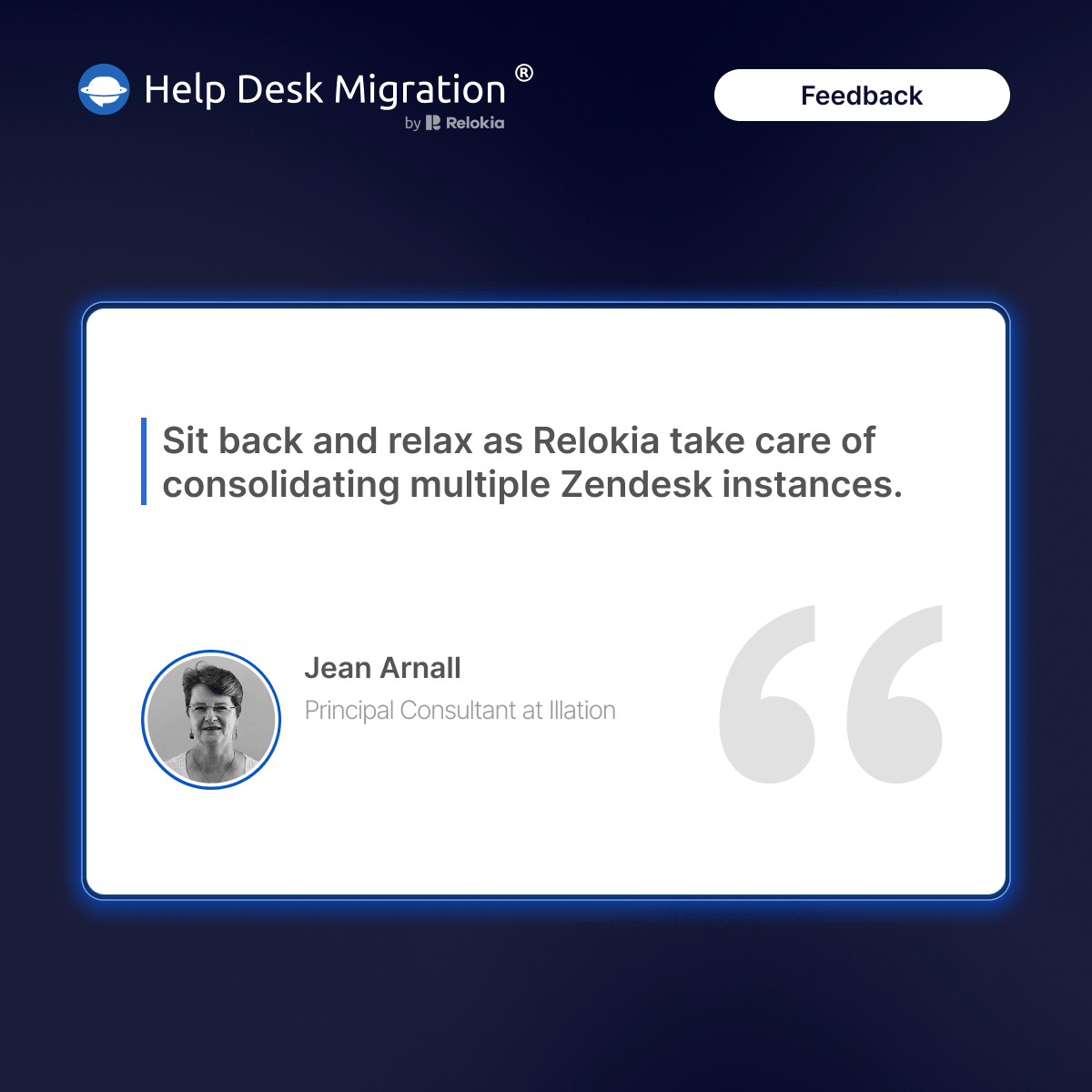
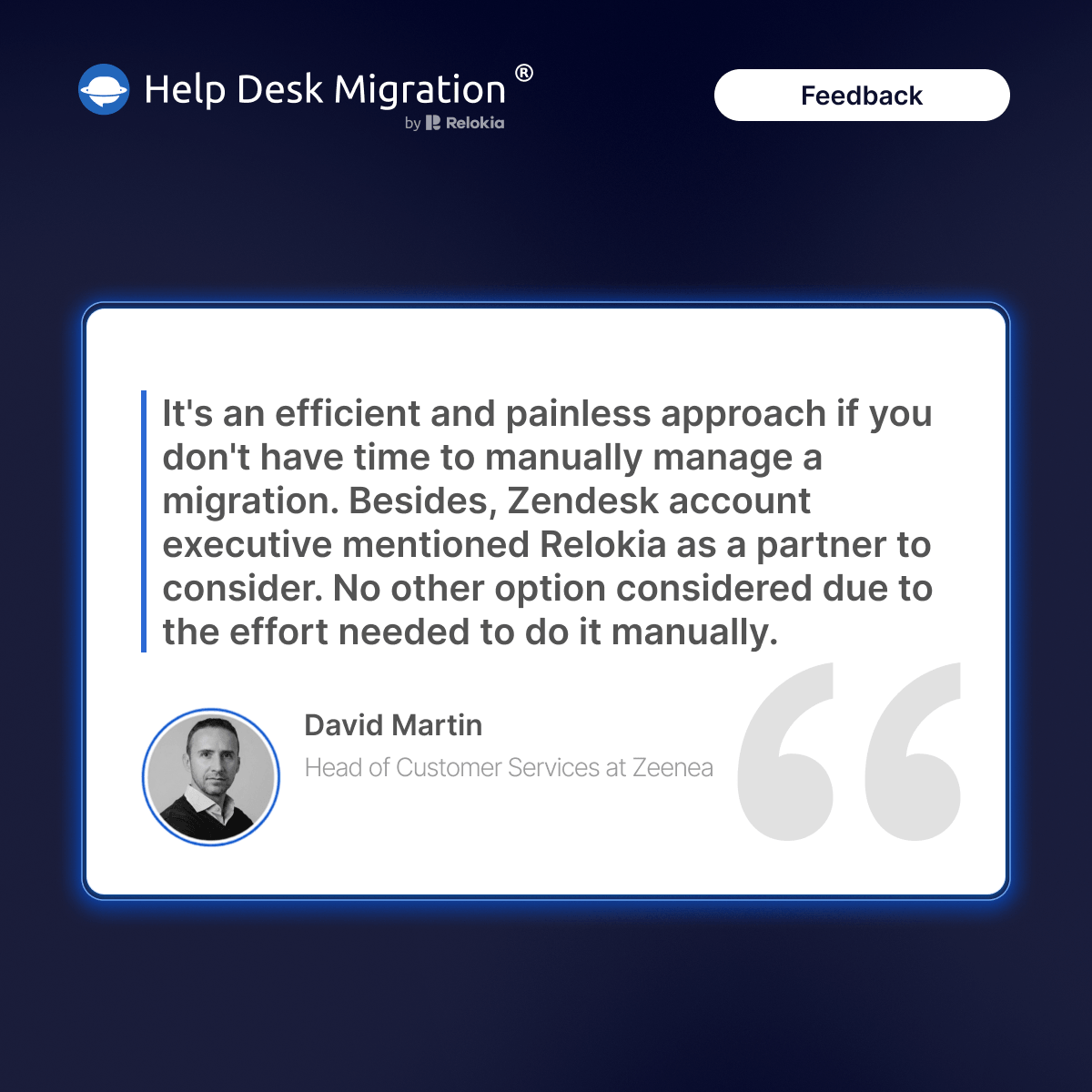
Visit for more customer use cases and success stories.
Securely and effortlessly migrate your help desk data to Zendesk with Help Desk Migration. Automate the transfer, preserve your data, and get started with a free demo migration.
Serviços oferecidos
Data Migration
Development Services
Design/Guide Theming
Reselling
System Integrator
Regiões
Global
North America
Western Europe
Eastern Europe
Deixe uma avaliação
Compartilhe sua experiência com o resto da comunidade Zendesk