10 best customer service email management software for 2026



Mozhdeh Rastegar-Panah
Senior Director, Product Marketing
Última atualização em February 20, 2026
Streamline customer support with email management software
With a standard email client, it’s hard to imagine how customer service teams tackle high call volumes and actually respond to all customer queries in a meaningful way. Well, the solution is surprisingly straightforward: customer service email management software.
Replacing traditional email clients, customer service email software is the nemesis of cluttered, overflowing inboxes that are full of unattended inquiries. With this kind of email ticketing system, teams can replace manual management of emails with automatic prioritization, folder categorization, and follow-up reminders.
Find out all there is to know about email management software in this guide, including features, benefits, and the top products on the market.
More in this guide:
- What is customer service email management software?
- Comparison chart for customer email management software
- Top 10 customer service email management software
- Features of customer service email software
- Benefits of customer email management software
- How to choose a customer service email management software
- Frequently asked questions
- Elevated customer service email management software
What is customer service email management software?Customer service email management software is designed to simplify how teams handle large email volumes. Through automation, emails are quickly categorized, organized, and even replied to, taking significant manual load away from support agents. The software also enhances collaboration, with shared access to inboxes and notes via a centralized dashboard. |
Comparison chart for customer email management software
|
Software |
Best for |
Starting price |
Free trial |
|
AI-powered CX |
$19 per user/month |
14 days | |
|
Freshdesk |
Small businesses |
$0 for two agents |
14 days |
|
Hiver |
Gmail integration |
$25 per user/month |
7 days |
|
Help Scout |
Fast setup |
$25 per user/month |
15 days |
|
HubSpot Service Hub |
HubSpot users |
$0 for limited plan |
14 days |
|
Zoho desk |
Ease of use |
$7 per user/month |
15 days |
|
Live agent |
Centralizing information |
$15 per agent/month |
30 days |
|
Front |
Team collaboration |
$25 per agent/month |
Contact sales |
|
HappyFox |
Automation rules |
$24 per agent/month |
Not available |
|
Jira Service Management |
SLA tracking |
$0 for 3 agents |
N/A |
Top 10 customer service email management software
Let’s take a look at the top 10 products on the market, with a focus on main features, pricing, and free trial information.
- Zendesk: Best for AI-powered CX
- Freshdesk: Best for small businesses
- Hiver: Best for Gmail integration
- Help Scout: Best for fast setup
- HubSpot Service Hub: Best for HubSpot users
- Zoho Desk: Best for ease of use
- LiveAgent: Best for centralizing information
- Front: Best for team collaboration
- HappyFox: Best for automation rules
- Jira Service Management: Best for SLA tracking
1. Zendesk AI
Best for AI-powered CX
|
Starting price |
Free trial |
Key features |
|
$19 per user/month (billed annually) Explore more Zendesk pricing plans. |
14 days |
|
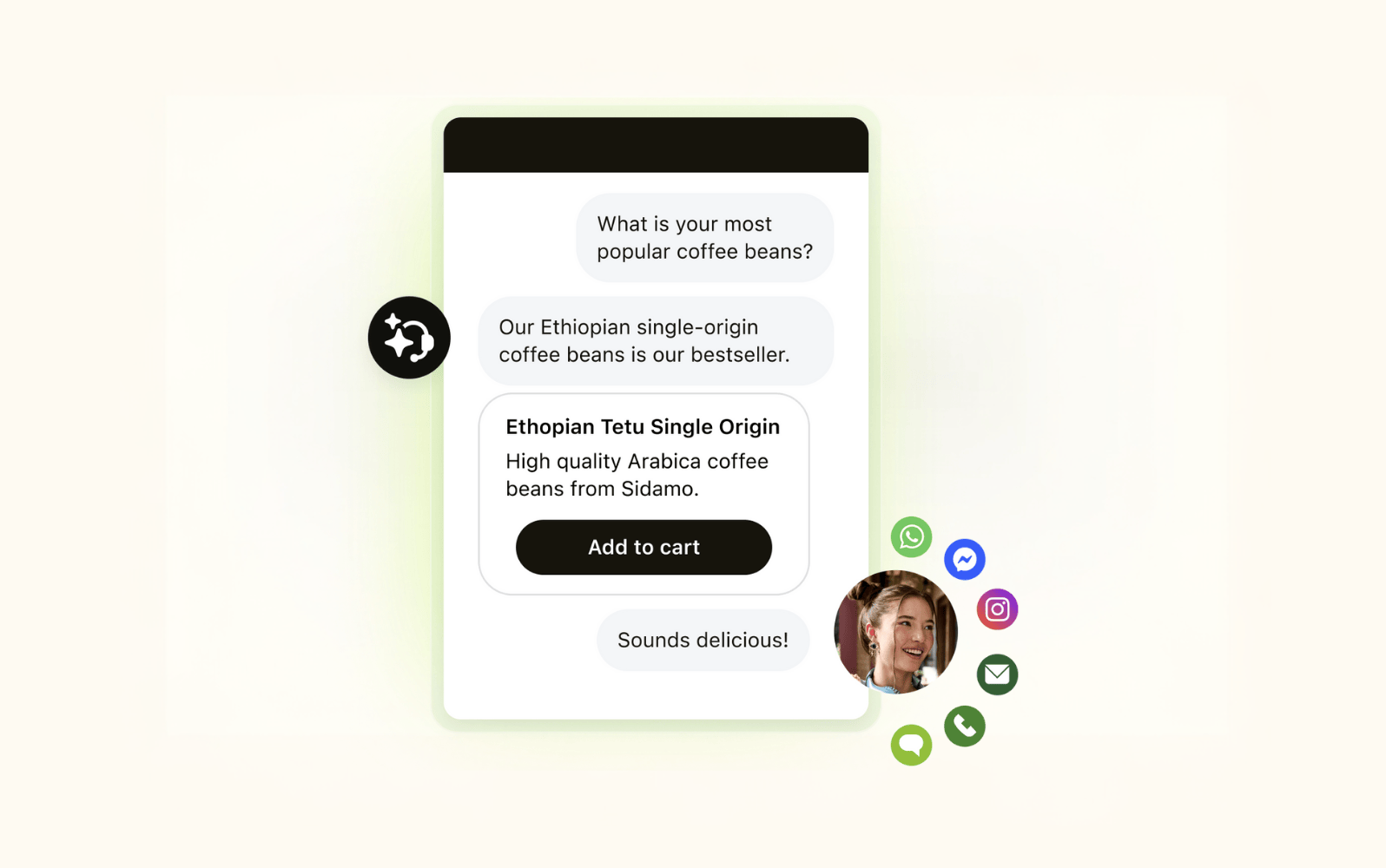
Zendesk offers a scalable, AI-powered email management platform that’s purpose-built for customer service. Intuitive to launch and easy for teams to adopt, the software covers email management alongside all your other support channels. The unified agent workspace streamlines operations as agents don’t have to switch between separate tools when handling email requests.
With omnichannel routing that’s based on customer intent, sentiment, and language, emails are converted to tickets and directed to exactly the right agent. Working alongside agents, Zendesk’s AI copilot delivers proactive suggestions tailored to each customer’s issue, drawing from company knowledge bases and integrated CRM data.
For automated resolutions, AI agents handle more than 80% of interactions independently, freeing up human agents for higher-value work. Both human and AI agent interactions can be analyzed and strengthened with real-time monitoring and reports. Plus, it couldn’t be easier to connect your favorite apps with Zendesk’s ecosystem as Zendesk Marketplace is bursting with ready-to-use integrations. See how Zendesk can elevate your CX with the 14-day free trial.
|
Pros |
Cons |
|
|
What people are saying:
- "I especially appreciate its powerful automation features, customizable ticket workflows, and multi-channel support, which help streamline communication across email, chat, and social media."
- "A centralized place for reviewing what information comes in that is accessible to multiple users without the need of a shared gmail inbox."
- "Zendesk's support suite has proven to be highly valuable and effective for our company, particularly thanks to its help center and knowledge base features."
Explore more Zendesk pricing plans.
2. Freshdesk
Best for small businesses
|
Starting price |
Free trial |
Key features |
|
$0 for two agents |
14 days |
|
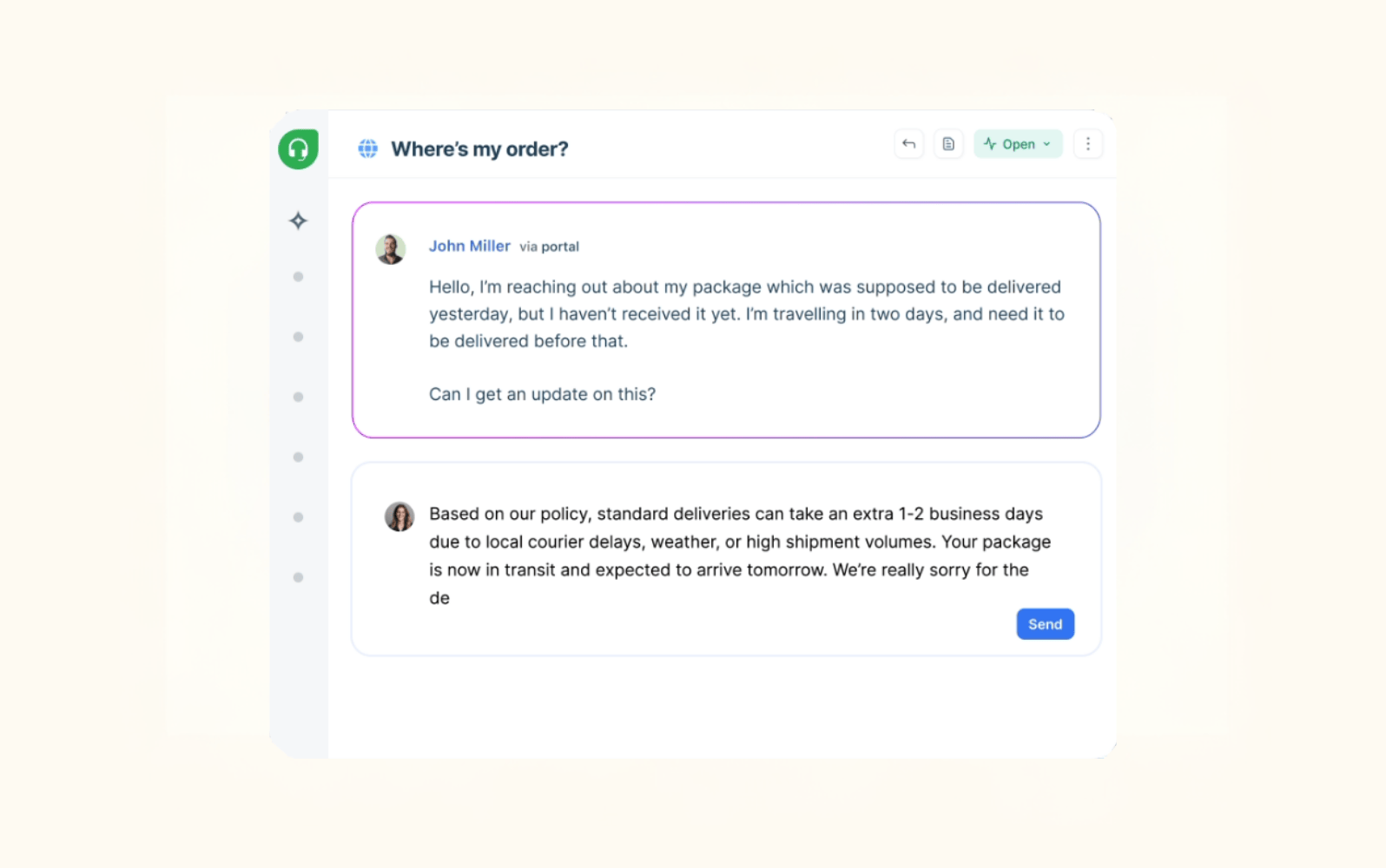
Freshdesk is Freshwork’s AI-powered email management software. Through its centralized workspace, support teams can access customer tickets from numerous channels, which include interaction history and contact details, all in one place.
In terms of analytics, all plans include pre-built reports and the higher tiers also offer real-time dashboards, an agent availability dashboard, and custom object analysis. Additionally, the Freshdesk Marketplace contains all kinds of app integrations so there’s no need to ditch your existing tech stack. Just note that some integrations do require advanced expertise to set up.
With a bigger budget, you can unlock Freddy AI, which includes an AI agent and AI copilot. These tools can resolve routine queries independently or assist human agents for more complex email correspondence. Freshdesk has a limited free plan for up to two agents, and 14-day free trials for paid plans.
|
Pros |
Cons |
|
|
What people are saying:
- “The interface is very straightforward and I was able to start managing tickets with minimal training.”
- “What I dislike about Freshdesk is that some features feel a bit limited unless you’re on the higher pricing tiers.”
- “Some of the integration steps requires technical knowledge, which is difficult for clerical staff to handle alone.”
Learn more: See how Zendesk vs. Freshdesk compare.
3. Hiver
Best for Gmail integration
|
Starting price |
Free trial |
Key features |
|
$25 per user/month (billed annually) |
7 days |
|
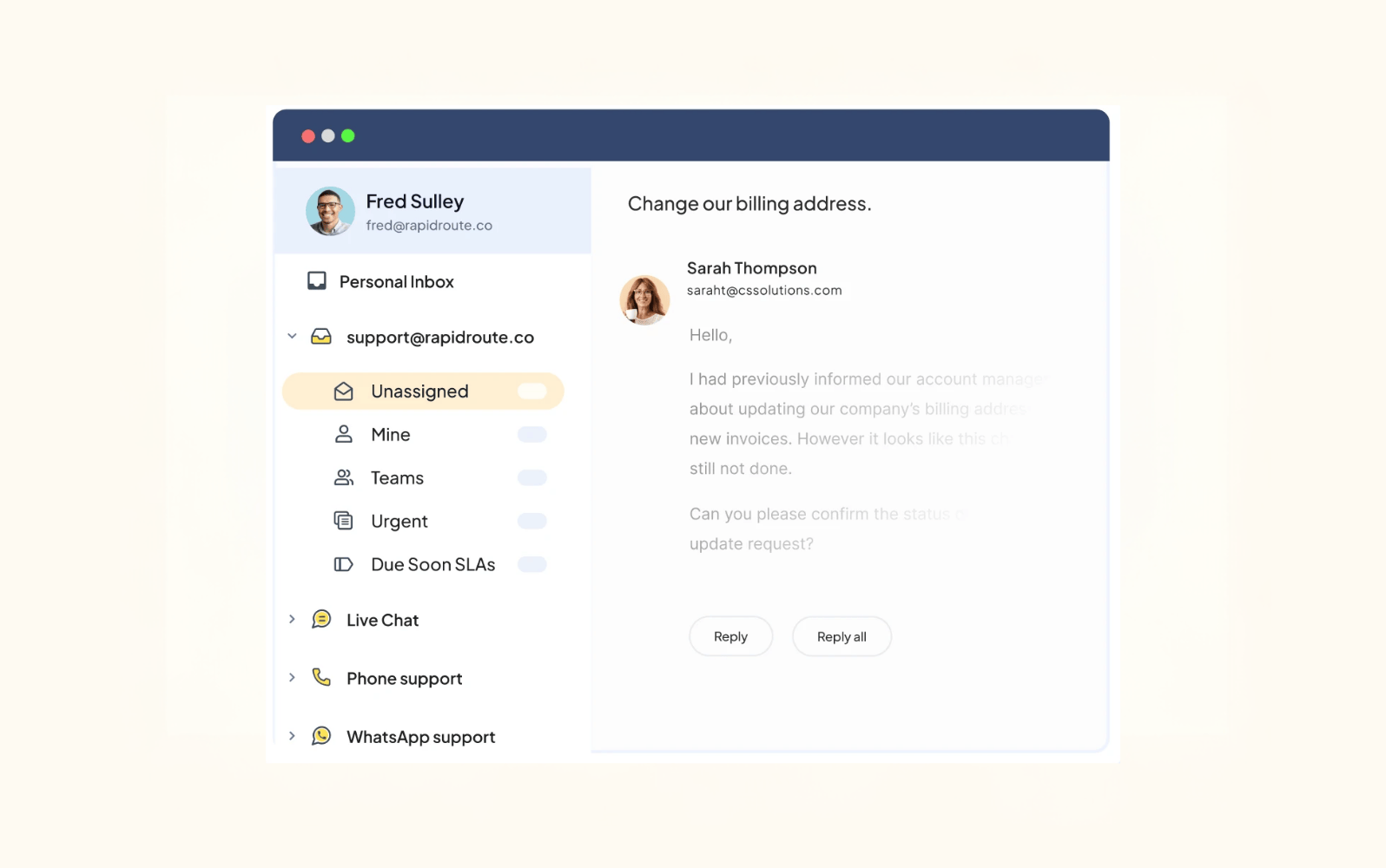
Hiver offers a full-featured email management solution that caters to customer service teams. A shared inbox with internal notes and tags helps agents work collaboratively on high volumes of incoming customer emails. Teams can also enjoy over 100 integrations with popular apps—Google users especially as the software operates directly within the Gmail inbox.
With Hiver, support teams are equipped with customizable reports and dashboards that show key metrics like response time, resolution time, and customer feedback. Additionally, the Hiver AI add-on includes AI tagging, sentiment analysis, summarizer, and other AI tools. To unlock these features, customers need to purchase the $20 per user per month add-on. Paid plans start at $25 per user per month or there’s a limited free plan for teams just starting out.
|
Pros |
Cons |
|
|
What people are saying:
- “We use it on a daily basis, very easy to integrate with Gmail.”
- “Sometimes the performance can lag slightly when handling a high volume of emails or when switching between views.”
- “For a non-profit, the pricing feels steep, and it’s frustrating that reporting across multiple inboxes isn’t available for users with access to more than one inbox.”
4. Help Scout
Best for fast setup
|
Starting price |
Free trial |
Key features |
|
$25 per user/month (billed annually) |
15 days |
|
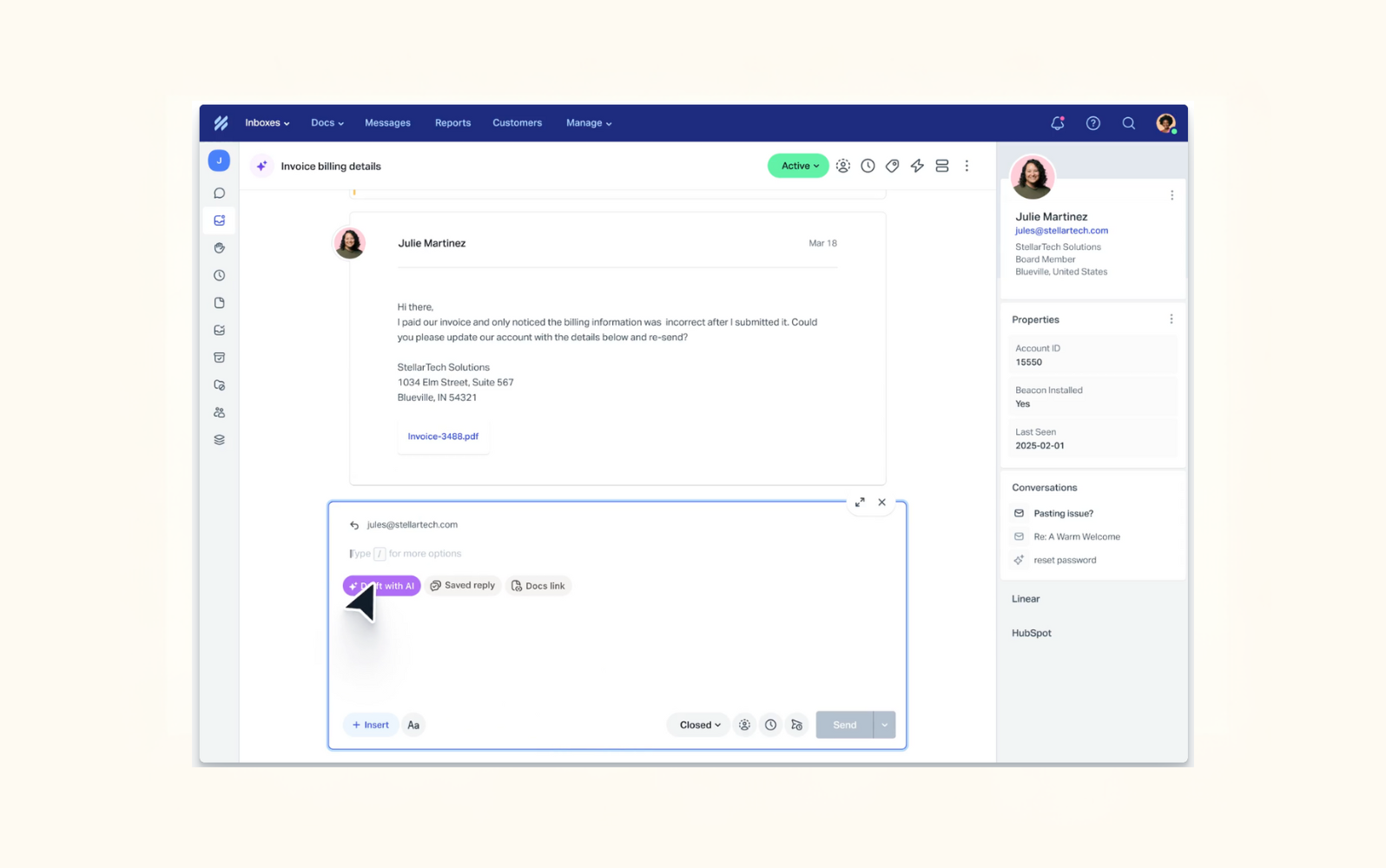
Help Scout is a comprehensive customer service platform that’s designed to help support teams handle busy email inboxes. The shared inbox mirrors a standard email client interface, with the addition of internal notes, AI summaries, and customer context attached to each incoming email. Agents are also assisted with workflow automation, meaning that routine tasks like ticket routing and tagging can be handled without human input.
Help Scout makes it easy to continually improve CX, with pre-built and custom reports to help support teams track performance indicators like response times and CSAT.
AI is central to Help Scout’s email management, featuring an AI inbox assistant in all paid plans, and AI drafts and summaries in higher tiers. Help Scout offers a free plan for up to five users with limited features. Free trials are also available.
|
Pros |
Cons |
|
|
What people are saying:
- “Help Scout was easy to set up. And to maintain the system. And as a result my customers are helped much better.”
- “Reporting can feel a bit limited at times, and more customization options for workflows would be helpful.”
- “The reporting capabilities from Help Scout are shallow and they need advanced support.”
Learn about how Zendesk vs. Help Scout compare.
5. HubSpot Service Hub
Best for HubSpot users
|
Starting price |
Free trial |
Key features |
|
$0 for limited plan |
14 days |
|
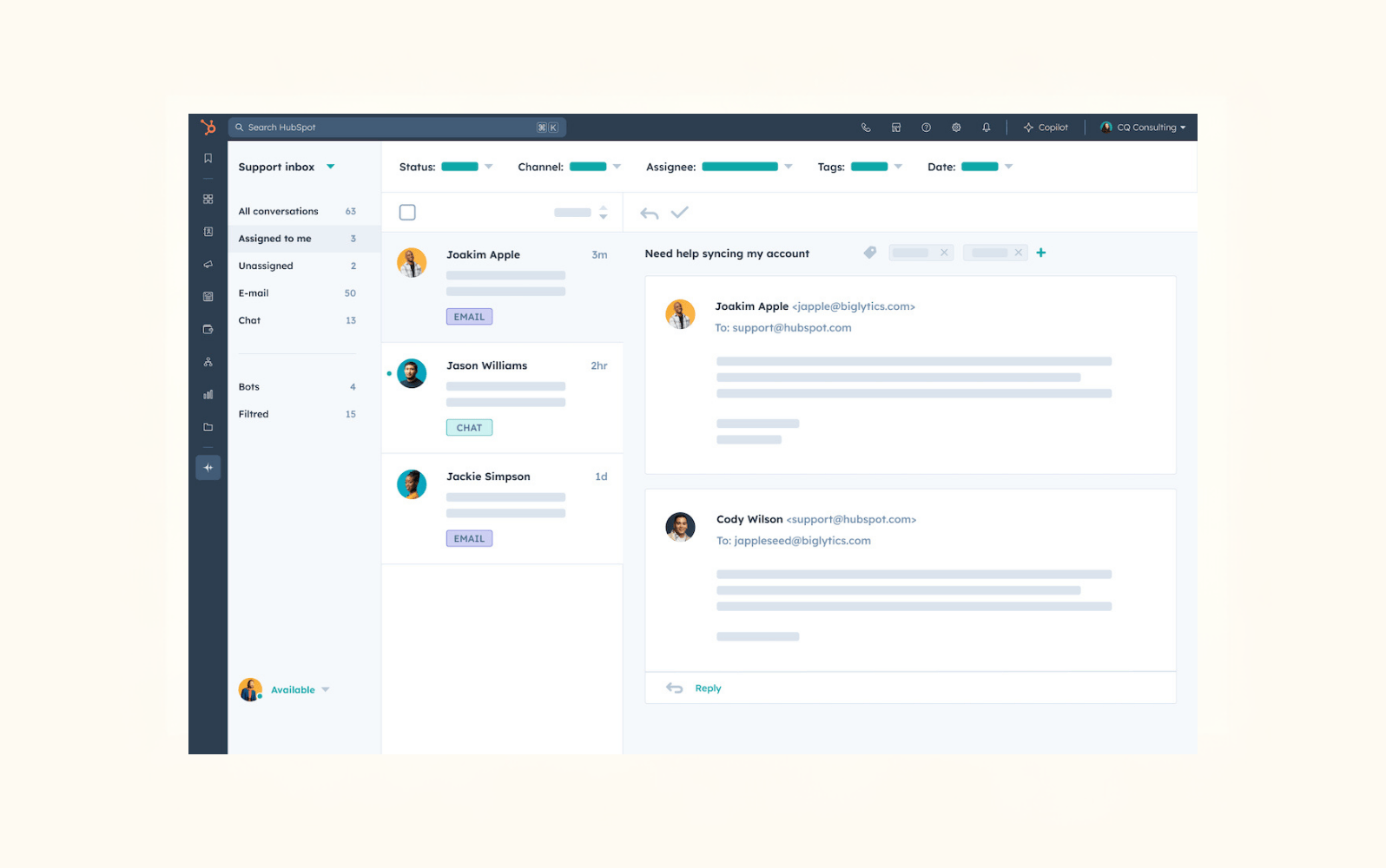
The HubSpot Service Hub is a centralized help desk that contains customer service email management tools. Incoming emails are automatically converted to tickets and skills-based routing connects customers to the most appropriate agent. Other automations include reply recommendations, ticket summaries, and sentiment analysis.
Keeping track of support successes and areas to improve is also straightforward with key insights about team performance and customer satisfaction displayed in out-of-the-box reports.
HubSpot’s paid plans include HubSpot credits (these can also be bought as an add-on), which unlock AI features for customer service. From AI language detection and AI email writer to an easy-to-use AI companion, Breeze Assistant, the company supports agents in all email-related tasks.
|
Pros |
Cons |
|
|
What people are saying:
- “I appreciate how HubSpot Service Hub automates ticket creation, which directly generates support tickets from emails, streamlining my workflow significantly.”
- “One thing I dislike about HubSpot Service Hub is that some of the more advanced features, like custom reporting or advanced automation, are locked behind higher-tier plans.”
- “Also, the reporting tools could be more flexible when it comes to customizing dashboards for specific team needs.”
See how Zendesk vs. HubSpot compare.
6. Zoho Desk
Best for ease of use
|
Starting price |
Free trial |
Key features |
|
$7 per user/month (billed annually) |
15 days |
|
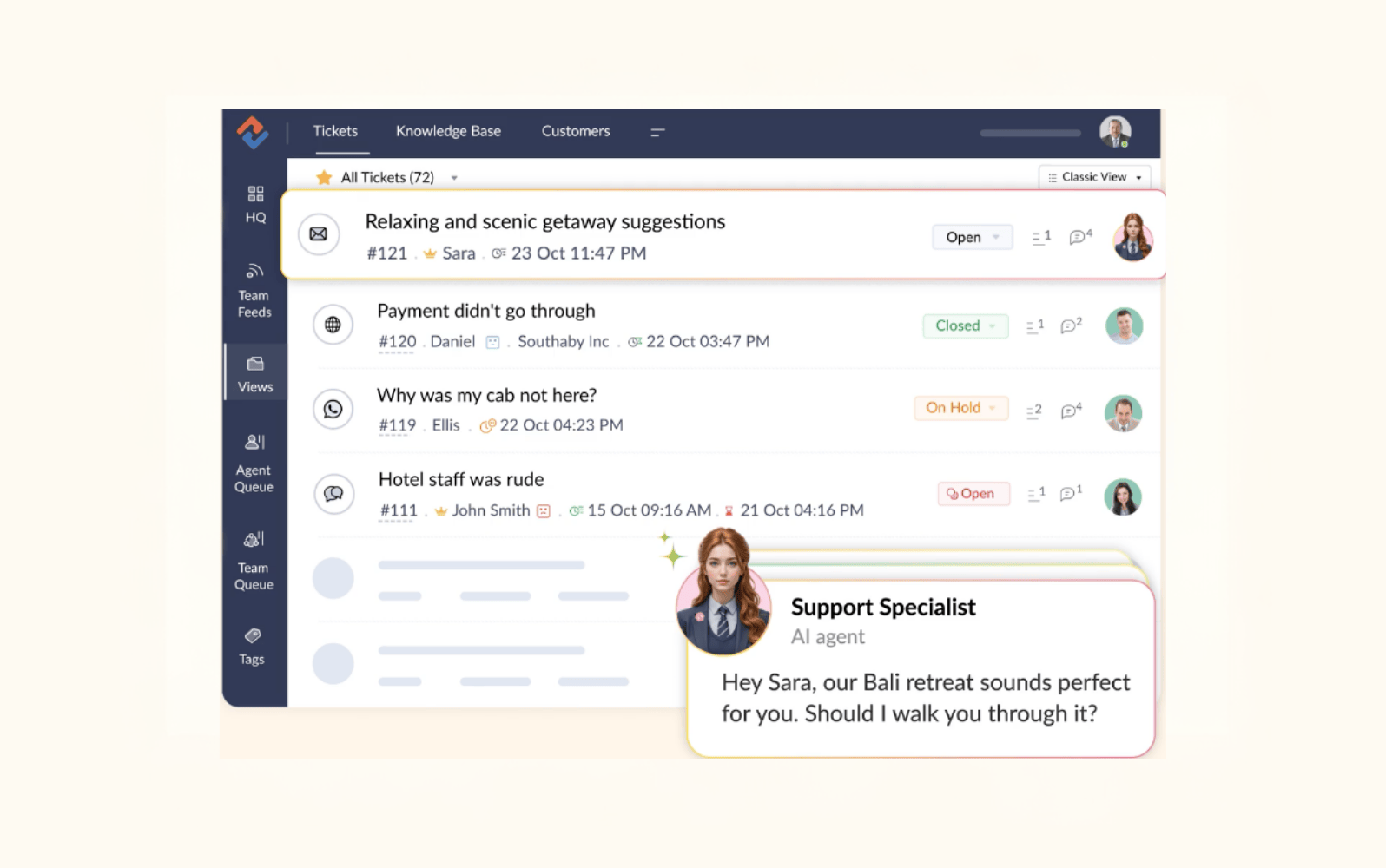
Zoho’s email management software, Zoho Desk, brings together all emails and other communication channels into one ticketing dashboard. Agents can organize emails into categories, like priority, time, and status—this information is clearly visible on each ticket.
More customer information is stored in Zoho Desk, including contact information, happiness rating, and conversation history, which helps agents tailor emails to the customer. In higher tier plans, agents can also benefit from AI features that cut out manual time and boost productivity. These include AI assistance, pre-written responses, and article suggestions. Paid plans start at $7 per month, but you’ll need to upgrade to access generative AI tools.
|
Pros |
Cons |
|
|
What people are saying:
- “Once we got the basics set up, we spent less time replying to customer emails and our support workflow felt more organized.”
- “While Zoho Desk is a solid platform overall, a few areas could be improved. The interface, though functional, can sometimes feel a bit cluttered — especially when switching between multiple tickets or modules.”
- “Advanced features like complex workflows have a learning curve, and some customization options are locked behind higher-tier plans, which can feel limiting for smaller teams.”
Learn about Zendesk vs. Zoho.
7. LiveAgent
Best for centralizing information
|
Starting price |
Free trial |
Key features |
|
$15 per agent/month (billed annually) |
30 days |
|
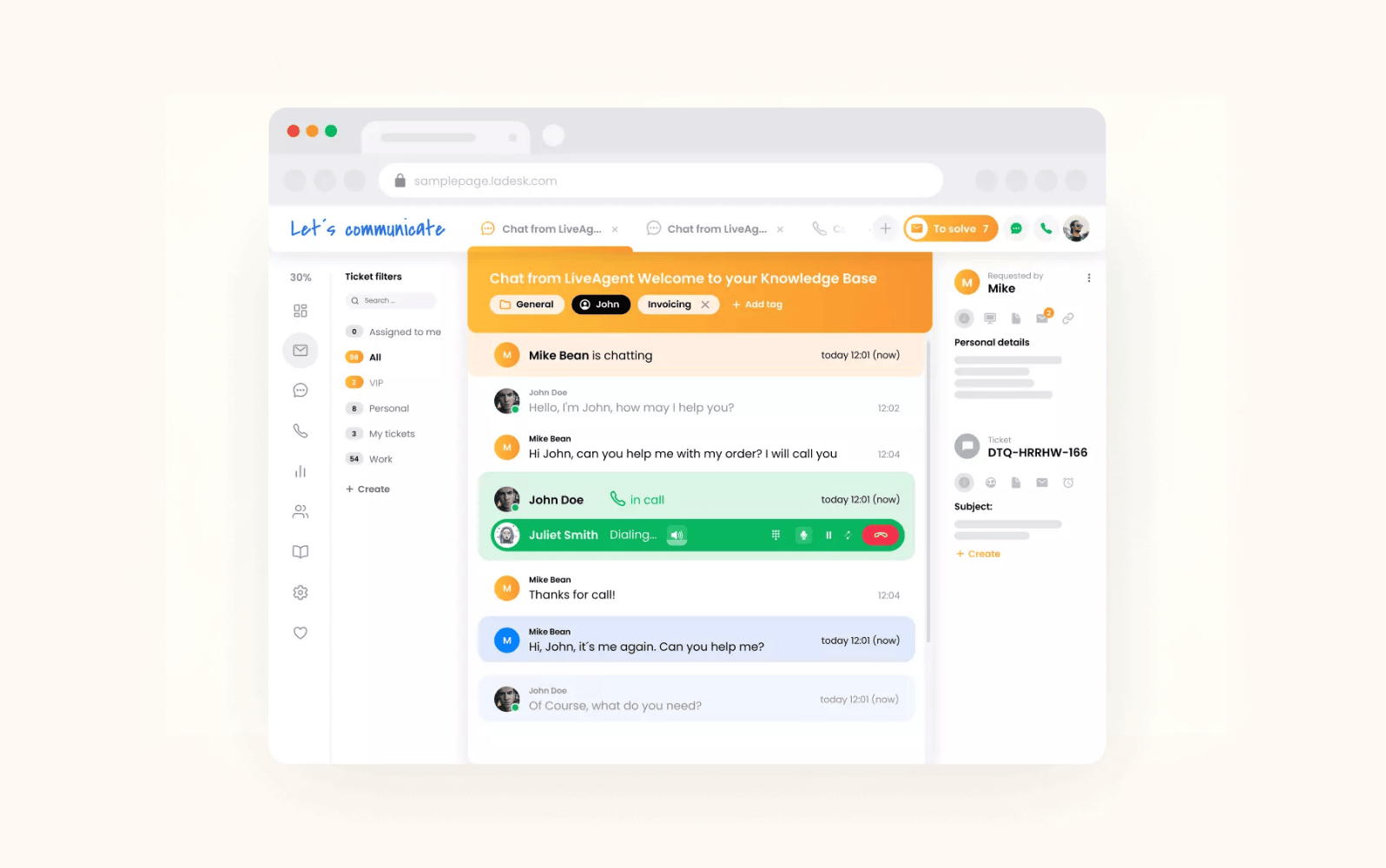
LiveAgent’s email management system converts incoming emails (along with calls and messages from chat and social media) into tickets that can be accessed within the centralized dashboard. From here, agents see a clear view of tickets and their key information, including name, contact details, channel type, importance, status, and time received.
To boost collaboration, LiveAgent provides teams with internal notes, canned responses, and automation rules for routing and tagging. Plus, built-in reporting tools help team leads assess agent and whole-department performance—just keep in mind these reports are only available in the medium business plan and higher. All plans come with a 30-day free trial.
|
Pros |
Cons |
|
|
What people are saying:
- “What I like most about LiveAgent is how it centralizes customer communications - from email, call, social media, and chats.”
- “The main challenge I encounter with Live Agent is its user interface, which feels somewhat outdated. It took more than 45 days to become familiar with all the features.”
- “When chats are high, LiveAgent systems slows down, which brings inconveniences in our company.”
See how Zendesk vs. LiveAgent compare.
8. Front
Best for team collaboration
|
Starting price |
Free trial |
Key features |
|
$25 per agent/month (billed annually) |
Contact sales |
|
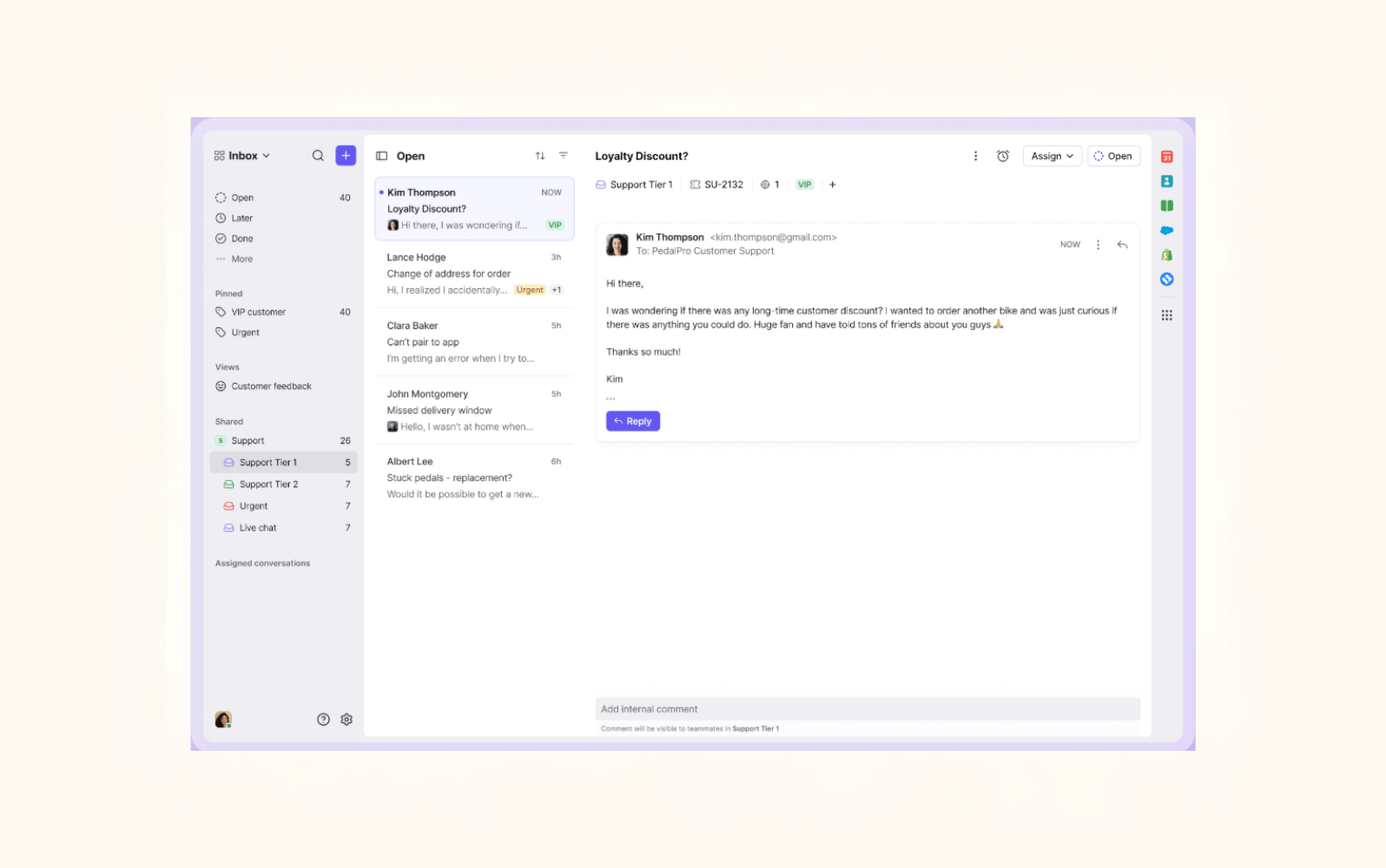
Front is designed to support customer service teams, with a shared inbox that allows multiple agents to work on the same ticket. From this unified workspace, team members can assign conversations, share internal notes, set statuses, and access customer contact details.
With AI, teams can establish no-code automation rules for ticket routing to ensure that the most suitable agent is assigned to each customer ticket. AI features also include email reply drafts, summaries, and translations, helping teams respond to customers faster and more efficiently. Just note that AI Autopilot and Copilot must be purchased as an add-on for most plans.
Front’s real-time insights help customer support teams stay on track, with metrics like workload, CSAT, and reply time. Basic reports are included in the Starter plan, advanced in Professional, and custom in Enterprise. Trials and demos are available.
|
Pros |
Cons |
|
|
What people are saying:
- “I find the AI very helpful for composing emails, allowing me to sound more professional, friendly, or empathetic.”
- “On this new update I find it harder to search for certain emails, sometimes the archive emails are not so easy to access. The searcher could have some improvement.”
- “I find the analytics section challenging to interpret. Despite attempting to use different filters and views, I haven't succeeded in making sense of the analytics reports.”
Learn about Zendesk vs. Front.
9. HappyFox
Best for automation rules
|
Starting price |
Free trial |
Key features |
|
$24 per agent/month (billed annually) |
Not available |
|
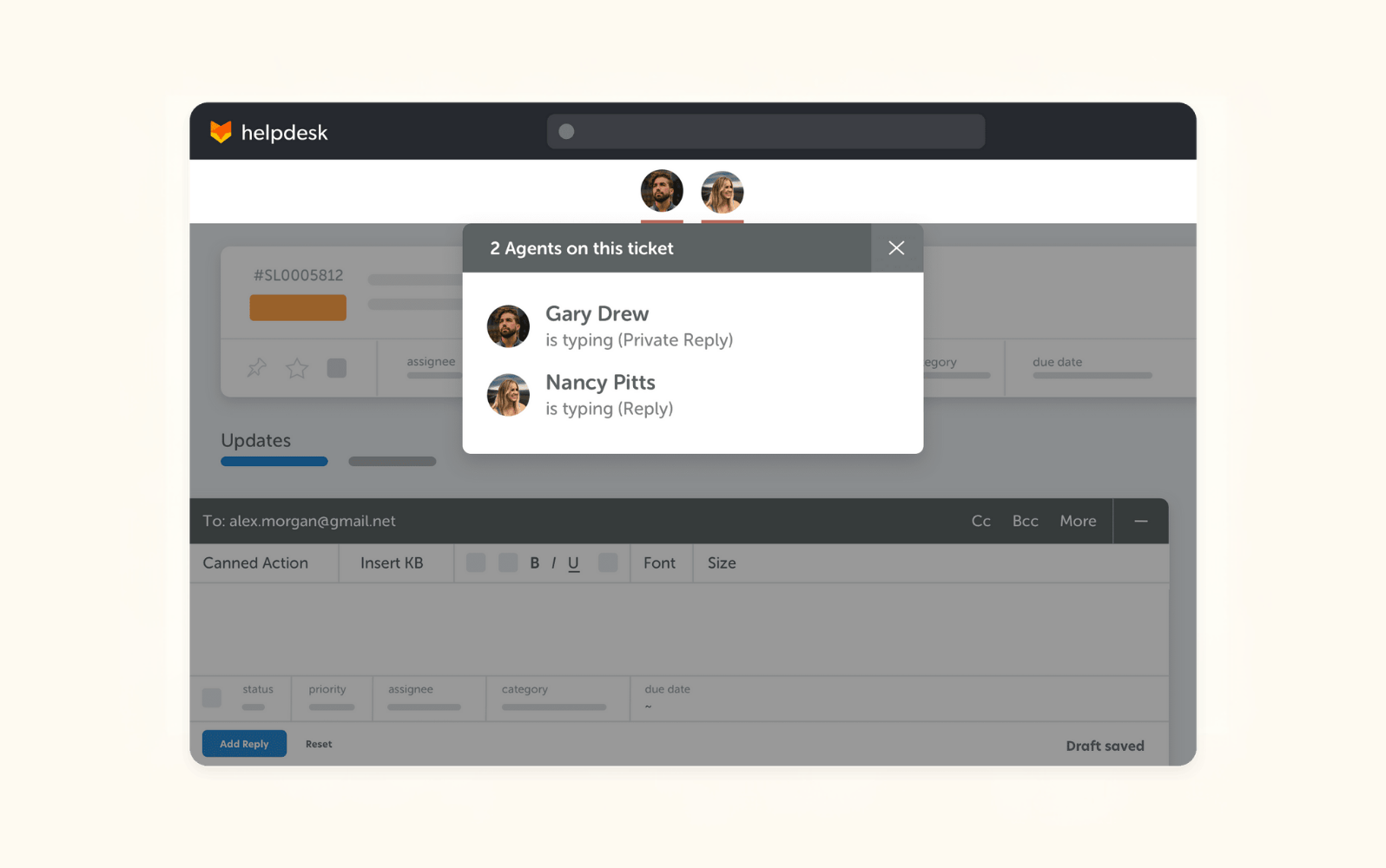
HappyFox is a cloud-based platform that helps support agents manage customer emails with a structured ticketing system. Incoming emails are converted into tickets and then organized into categories like status and priority. Boosting team collaboration, tickets can be merged or split, internal notes shared, and categories customized to align with company workflows.
Support teams also benefit from a single, unified dashboard that provides a shared overview of tickets. From here, agents can set up Smart Rules for automating agent routing and ticket tagging, which help teams tackle high volumes of emails without increasing workload.
For businesses with well-established tech stacks, the good news is that HappyFox supports over 100 integrations. There are four paid plans available, and although there’s no free trial, HappyFox offers a 30-minute demo with product experts.
|
Pros |
Cons |
|
|
What people are saying:
- “It looks and performs good, is easy for our organization to use, and has the features we needed.”
- “The inputs are not as customizable as we would like and at times make it difficult to ensure a ticket is getting to the right person.”
- “I wish that their automation tools were a little more flexible- specifically with defining the events, frequency, and triggers used to automate an action.”
10. Jira Service Management
Best for SLA tracking
|
Starting price |
Free trial |
Key features |
|
$0 for 3 agents |
N/A |
|
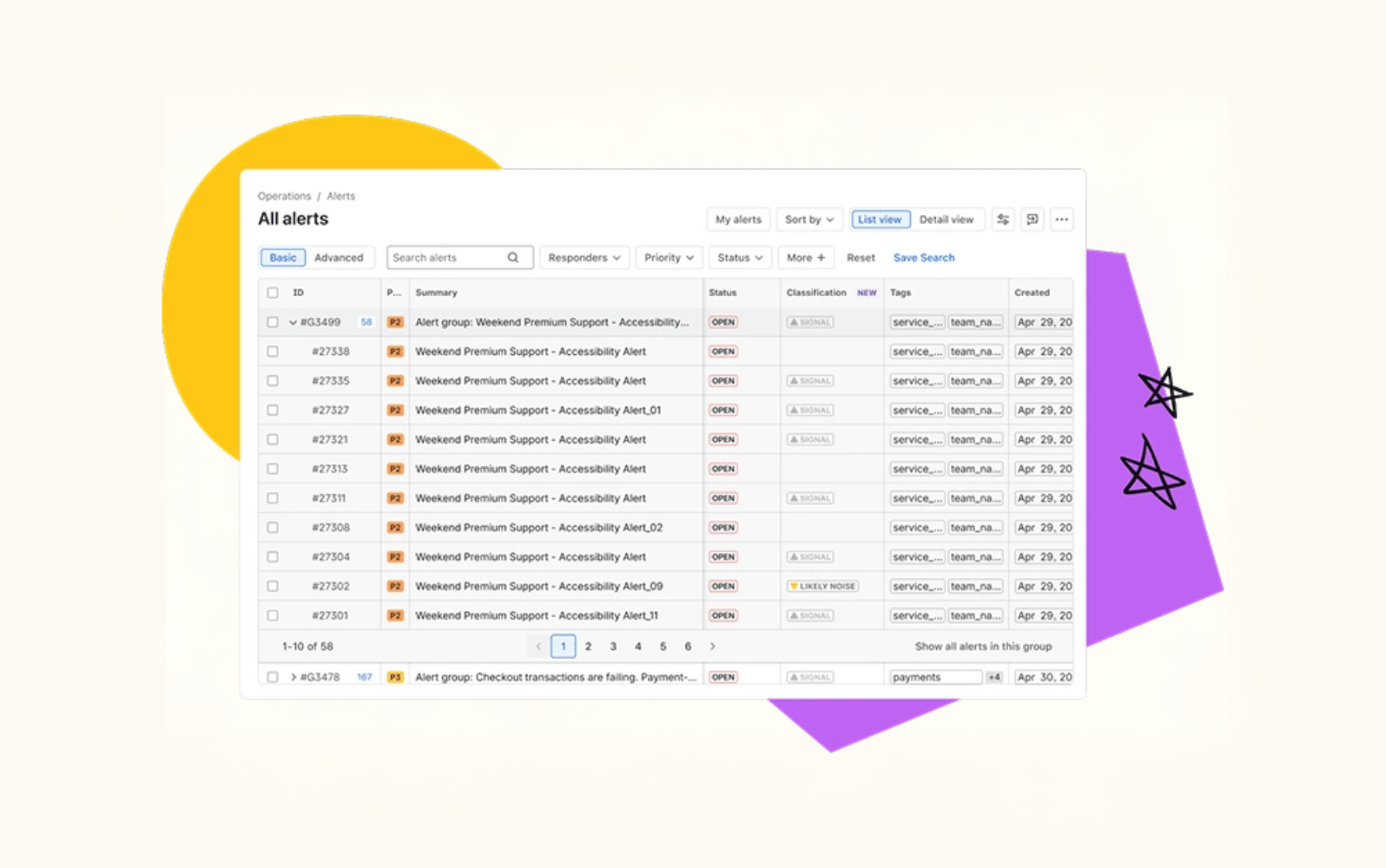
Within Atlassian’s Jira Service Management lies Customer Service Management, an AI-powered solution that brings support agents together. Incoming emails are added to support queues where team members can see the full customer context, including past conversations, product usage, and organization data.
Via its ticketing platform, teams can enjoy flexible routing, queueing, and customizable workflows. Plus, AI is integrated across the board, drawing from your company’s knowledge base when responding to customers. AI is also able to escalate a ticket to a human agent and summarize threads, saving time and resources.
Out-of-the-box customizable reporting dashboards are also included, ensuring that customer satisfaction and agent performance are always carefully monitored. The free plan covers up to three agents, but for AI features you’ll need to pay $20 per agent per month for the standard plan.
|
Pros |
Cons |
|
|
What people are saying:
- “The automation features and customizable workflows also help streamline repetitive tasks and improve response times, ultimately boosting team productivity and customer satisfaction.”
- “Additionally, while some professionals can navigate the platform comfortably, non-technical users might find it challenging due to its technical complexity.”
- “Jira Service Management (JSM) has some downsides, including a steep learning curve, complex interface, and potential performance issues, especially with large numbers of users or complex configurations.”
See how Zendesk vs. Jira compare.
Features of customer service email software
Customer service email management software sits within the wider support category of ticketing systems. As such, its purpose is to order and filter incoming email volume so that agents can respond to customers quickly and thoughtfully. To enable this, email management software equips teams with all kinds of intelligent features:
- Automatic email organization: To significantly decrease the manual load of support agents, this software should automatically sort, categorize, and convert emails into tickets that are logged and monitored.
- Smart routing and auto-replies: Automated workflows take away the labor of delegating tasks to agents. Instead, each ticket is instantly routed to the most appropriate team member, based on customer intent, sentiment, and language. Plus, with auto-replies, the customer is never left hanging, wondering if their email was received—and the agent doesn’t have to lift a finger.
- Collaboration tools: It’s often the case that multiple agents work on the same ticket. Without a shared inbox or workspace with internal communication tools, this becomes very messy, quickly. Email management software should give team members access to shared notes, drafts, and customer contexts.
- AI agents: Some services come equipped with AI agents, which can either work alongside support agents, suggesting responses based on company and customer information, or independently, replying to customer emails without human input.
- Omnichannel support: The best email management software doesn’t limit itself to just email. Uniting support tickets across all channels reduces the risk of data siloes, collates customer information, and gives agents the flexibility to respond to questions wherever they are received.
- Real-time reporting and analytics: To continue to evolve and improve, support teams need accurate and insightful data on customer service metrics. With these KPIs, companies can keep track of whether their support team is meeting service level agreements (SLAs). Look out for software that provides real-time monitoring alongside historical reporting to analyze trends.
- Integrations: Easy native integrations with core business tools is a must. For example, integrating your email management software with a project management tool will streamline workflows from start to finish.
- Built-in security and compliance: Last but not least, staying compliant is made so much easier with security features like role-based access control, custom retention policies, and advanced encryption.
Benefits of customer email management software
The list of benefits that email management software can bring to customer service teams is almost never-ending. Here are some of the key highlights:
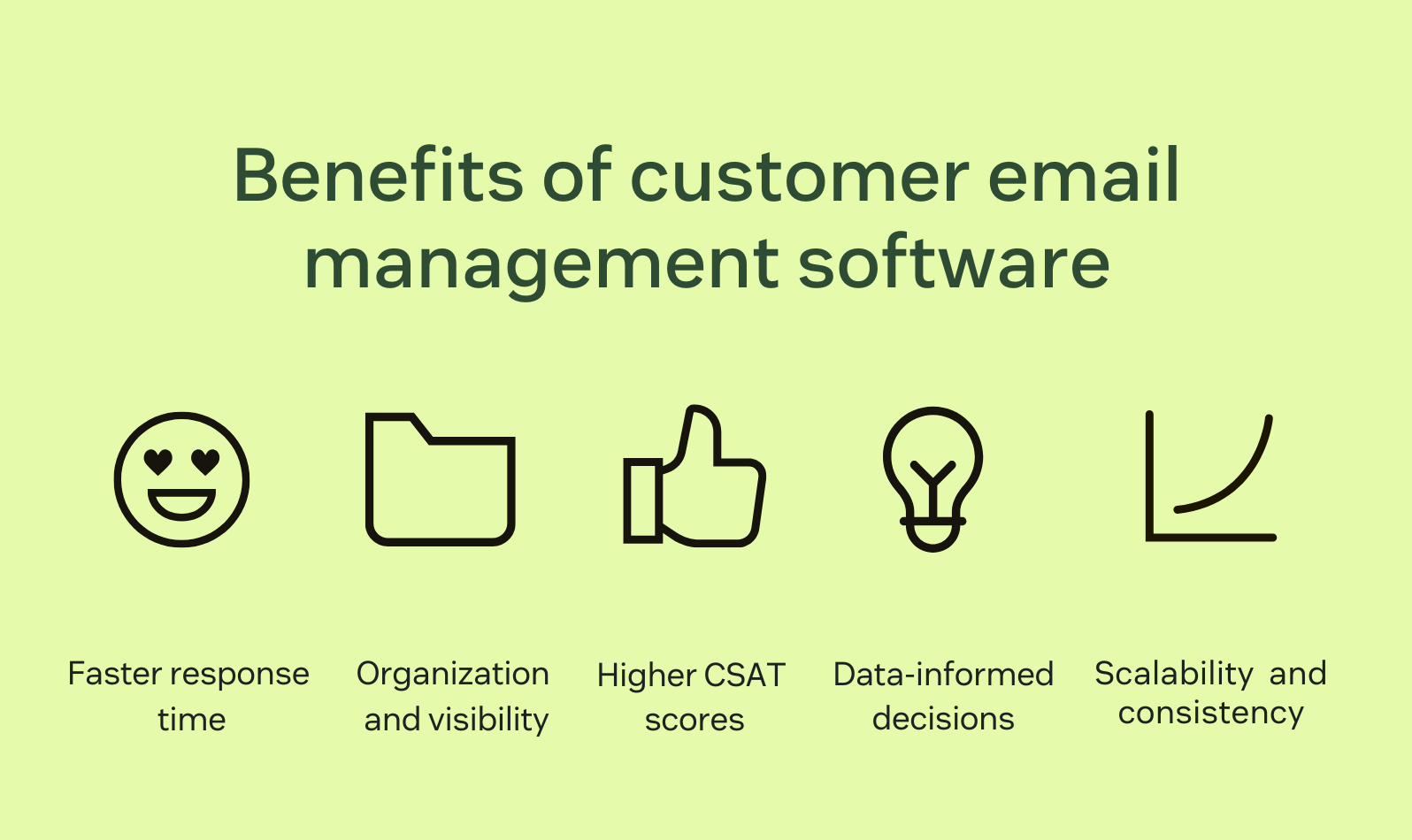
Faster response times
With automated workflows, escalations, and ticket routing, agents spend less time completing routine tasks and more time responding to customers. It’s a win-win.
Additionally, AI agents can instantly deliver tailored replies or guide a customer towards relevant help center or knowledge base articles for self-service.
Better organization and visibility
With a shared workspace containing all customer emails converted into tickets, there’s zero chance of an inquiry slipping under the radar. Tickets are trackable and every email is stored with full visibility into the conversation history.
AI can even identify the urgency of the email, with intent and sentiment detection. By skipping manual prioritization, the most pressing customer messages will be seen and handled faster.
Higher CSAT scores
Implementing email management software goes hand in hand with increasing customer satisfaction (CSAT) scores. This technology brings together data from CRM systems, customer sentiment reports, and your company’s knowledge base. With this, support agents are able to respond with highly personalized and relevant answers.
Along with fast response times, this level of attention to detail results in strengthened customer loyalty and overall satisfaction.
More data-informed decisions
With advanced data insights on customer interactions, trends in ticket volume, and agent performance, support team leads have everything at their disposal to make data-driven decisions. With this software, it’s never been easier to detect issues, boost efficiency, and stop churn in its tracks.
Enhanced scalability and consistency
Email management solutions, especially those with AI agents, open the door to higher email volumes without drastically increasing agent headcount. By freeing up support teams from menial tasks, there’s simply more time to reply to customer emails.
Types of customer service email management software
There are different types (or subcategories) of email management software that are suited to various requirements, including ticketing systems, shared inbox tools, and CRM-based email management.
Ticketing systems
For businesses with growing volumes of customer emails, having email management software that converts emails into tickets is vital. Some providers offer auto routing and priority tagging to speed up the process from email received to tailored response provided.
Shared inbox tools
A shared inbox that all agents have access to completely transforms efficiency and collaboration. Features like collision detection, internal notes, and agent assignment are designed to streamline email management and ensure that customers receive fast and personalized replies.
CRM-based email management
By connecting customer service email management software to a CRM system, agents can view a data-rich customer profile attached to each ticket. This data could include conversation history, past purchases, and sales interactions. With this context, agents can fully tailor their support to match the specific needs of the customer. For businesses that rely on strong customer relationships, like B2B and SaaS companies, a CRM integration is a game changer.
How to choose a customer service email management software
Make sure to look for these qualities in customer service email management software before committing to a purchase:
- Ease of use: First and foremost, this software needs to be easy to adopt and implement from day one. Team members of all skill levels need to become proficient quickly and feel comfortable leaving traditional email methods behind.
- Automation rules: Tagging, routing, canned replies, and other automation rules are a must for faster response times and reduced agent manual load.
- Collaboration tools: A shared inbox with internal notes and agent tagging is key for a cohesive approach to customer communications. These tools cut out duplicate replies and ensure that the right agent is assigned to each ticket.
- Analytics: If you want to keep improving your customer service, one thing you can’t overlook is data. Email management systems should give you detailed reports of response times, workload distribution, CSAT scores, and email volume trends.
- Integrations: This software goes hand in hand with other support platforms like CRM, messaging channels, phone systems, and your knowledge base. Always check that the solution integrates natively with your tech stack.
- Scalability: Powerful email management platforms are designed to support teams while email volume increases, without any performance or security issues. Check for role-based access control and bullet-proof data encryption protocols.
To guarantee a regret-free purchase, it’s a good idea to try out free ticketing systems and email management free trials before making a commitment.
Frequently asked questions
Elevated customer service email management software
Email management software has the potential to revolutionize how your team delivers customer service. It cuts out all the pain points agents have historically struggled with when using traditional email clients and offers up a shiny and streamlined alternative.
Choosing Zendesk means investing in cutting edge AI technology that’s purpose-built for customer service. Set your teams up for success with customer service tools like AI agents, a unified agent workspace, real-time reporting, and more than 1,200 apps and integrations.
Mozhdeh Rastegar-Panah
Senior Director, Product Marketing
Mozhdeh Rastegar-Panah is a seasoned customer experience leader and the Senior Director of Product Marketing at Zendesk. With over 12 years at the forefront of customer service innovation, Mozhdeh specializes in translating complex AI and CX technologies into impactful, scalable solutions for global businesses. Her work focuses on elevating customer support through messaging, automation, and omnichannel strategies. She brings a unique blend of strategic vision and hands-on expertise to the future of customer service.
Related customer service email management software guides
With customer service email management software, the possibilities for providing great service are limitless. Learn more about all the great things you can do: