Novo
Help Center Builder
Design and customize your help center visually, without writing code.
Funciona com
Support
Developer
ZenplatesSobre este aplicativo
Every Zendesk theme promises easy “no-code” customization. What you actually get is a limited set of theme settings that let you get started quickly, but then leave you stranded. Need to move an element, adjust spacing, or make any change that the settings don’t happen to support? That’s when “no code” becomes “call a developer”.
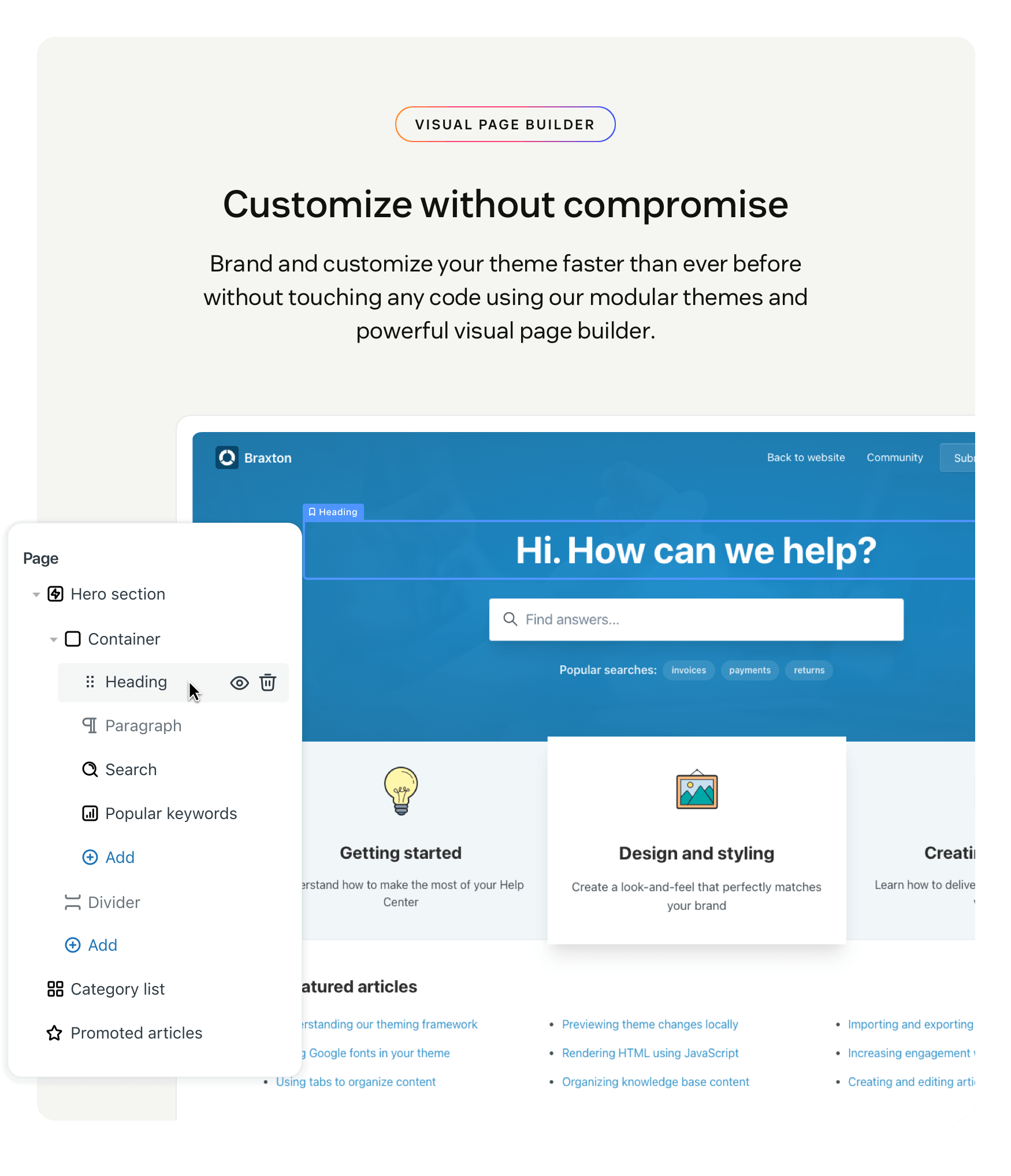
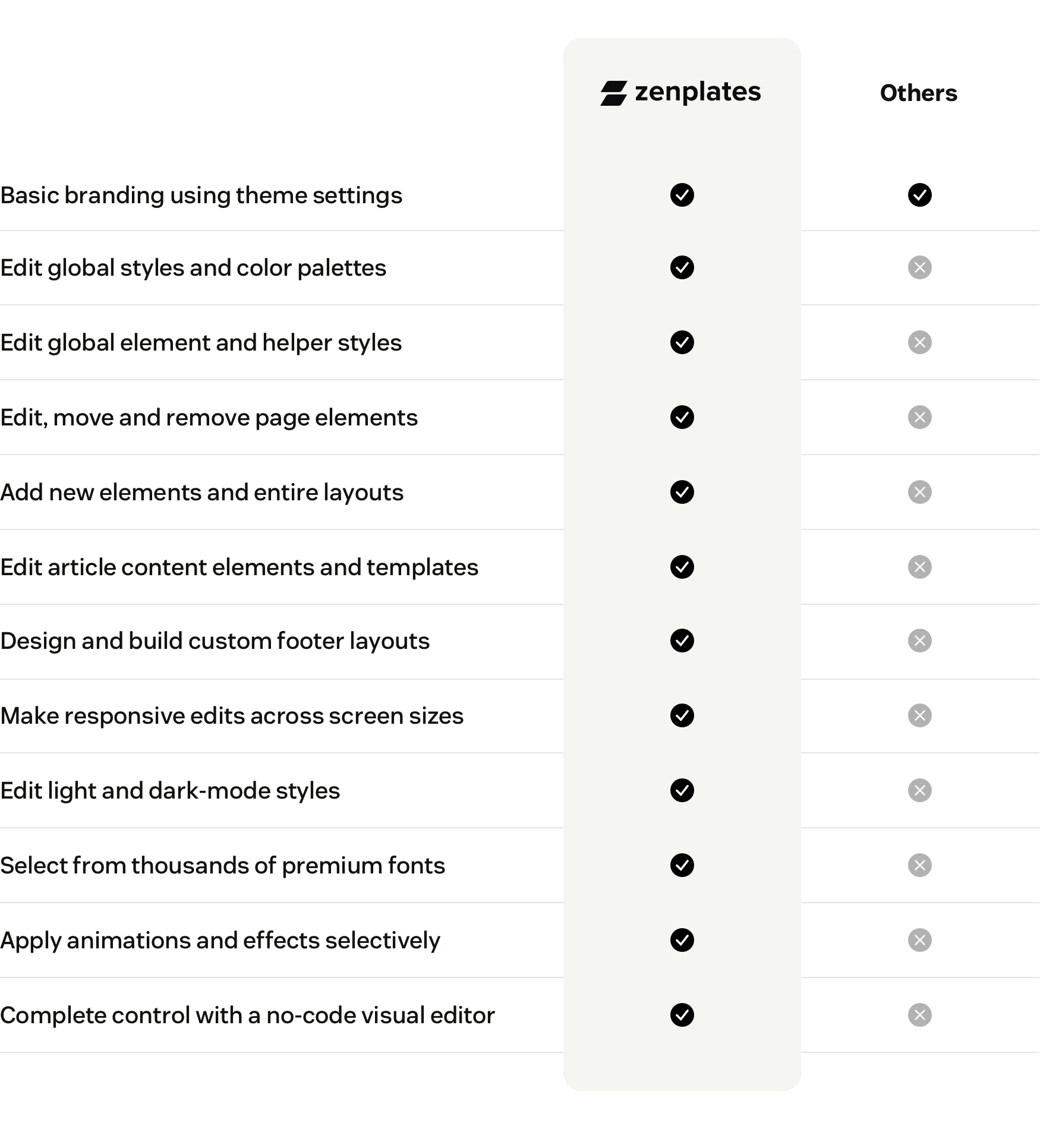
You can use our new visual page builder to handle complex customization that was previously only available by editing the page templates and code. Move elements, refine styles, build entirely new layouts. Changes that used to take days and cost thousands, done visually in minutes.
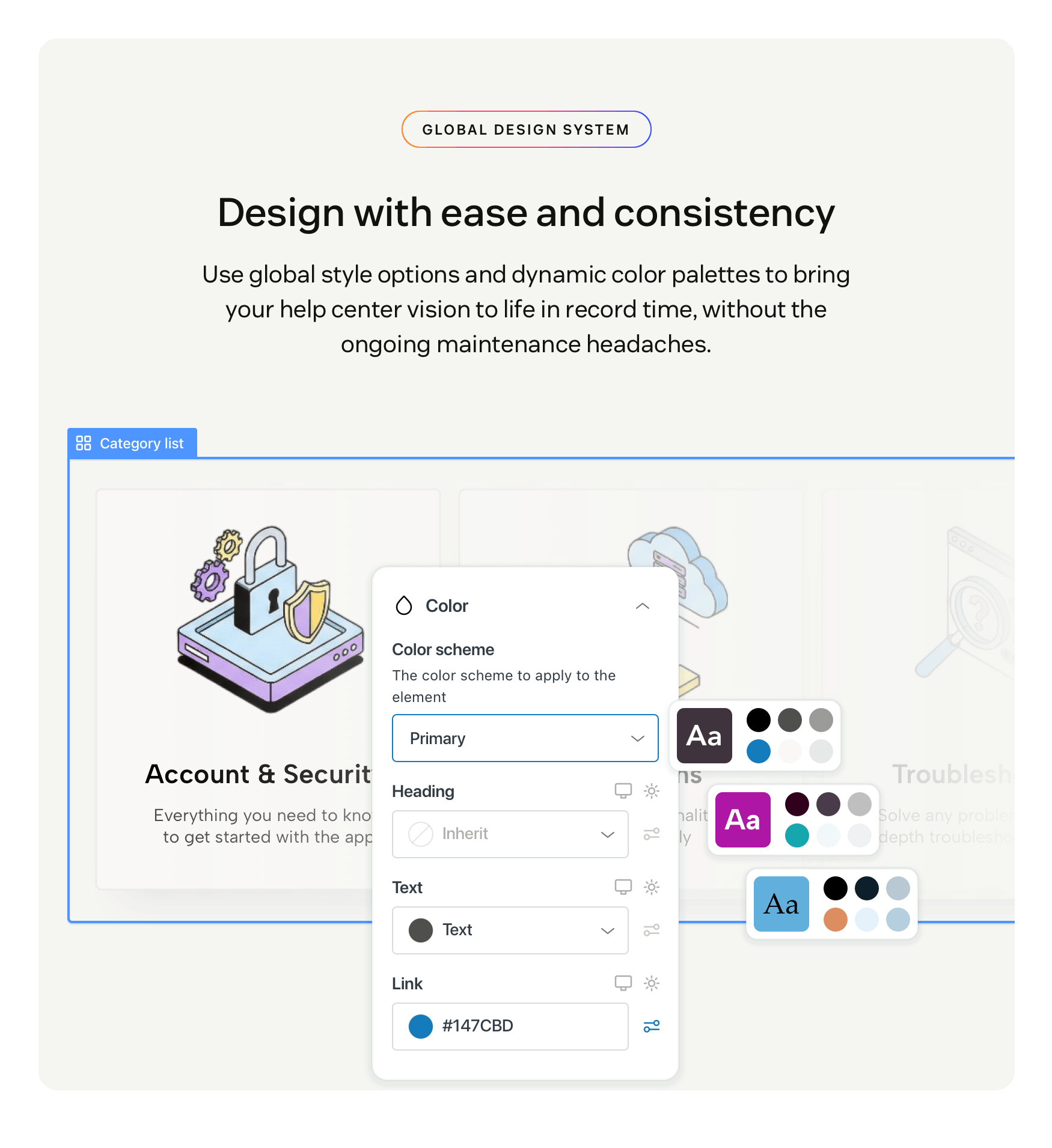
Consistency no longer means rigidity. With global styles and dynamic color palettes, your brand colors and styles are defined once and inherited across your entire help center. You can override any of them on individual elements when the design calls for it, using custom values or global variables. This allows for clean, consistent branding you can update in minutes.
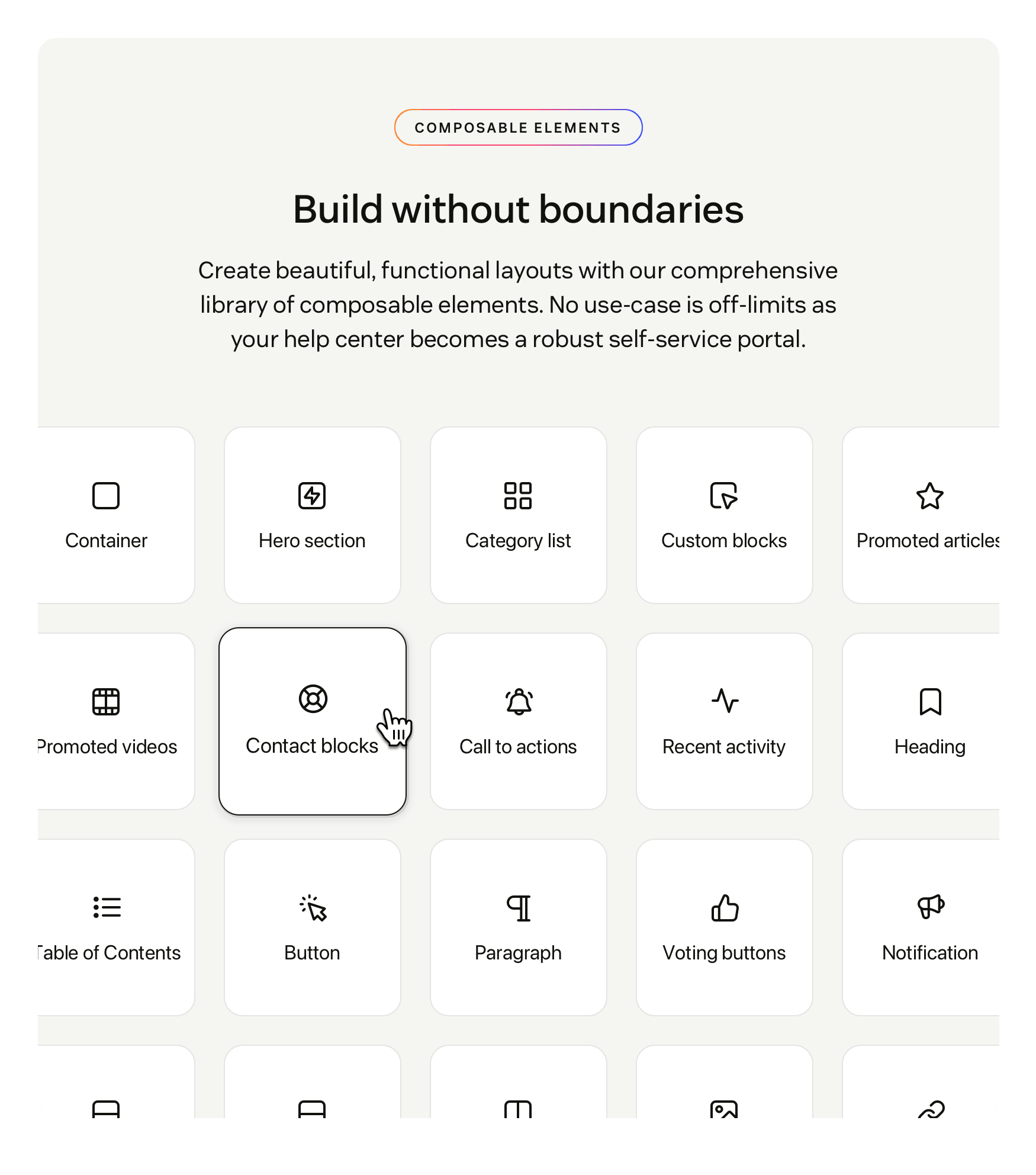
Everything is an element you can select and edit. Click, drag, drop. Branding and customizing your help center is now accessible to everyone and the burden of maintaining custom code disappears entirely.
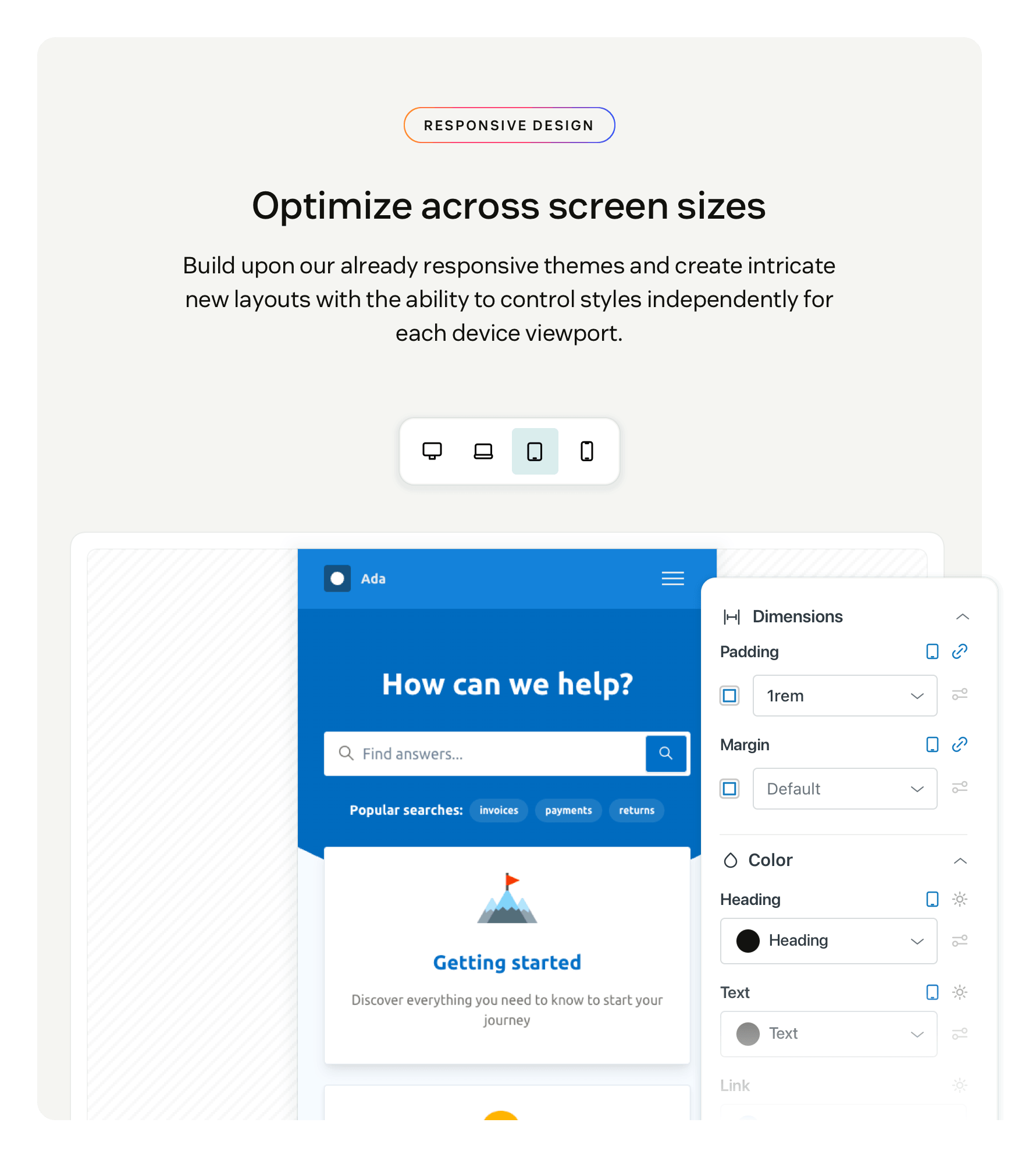
Responsive defaults are a starting point, not a constraint. In other themes, when the layout doesn't match your vision there's little you can do. With Zenplates, you decide how your help center looks on desktop, laptop, tablet, and mobile. What your visitors see on each device is exactly what you intended — not what the theme decided for you.
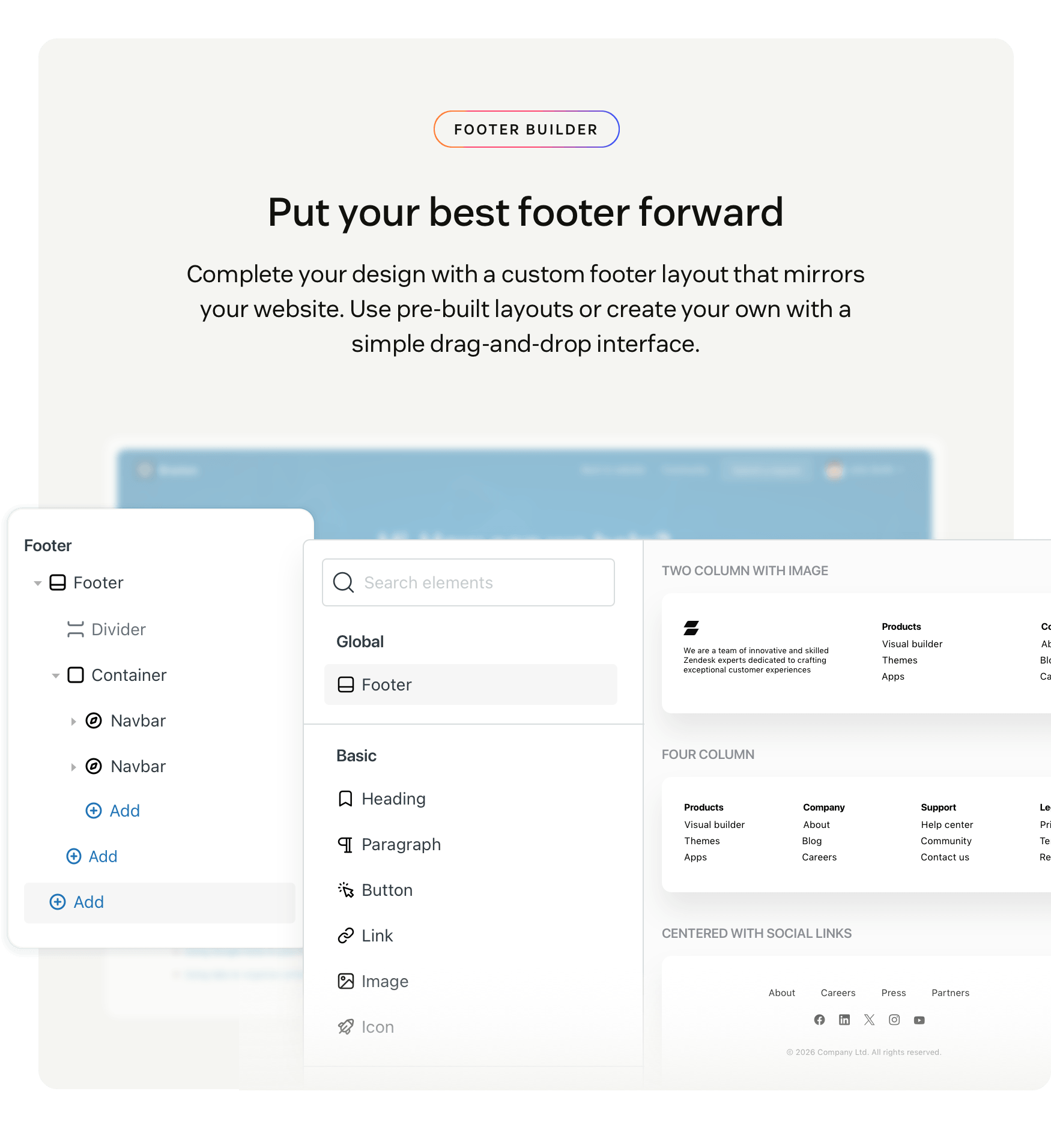
Your footer is often the last thing visitors see. It’s also the first thing that looks out of place when it doesn't match your website. Most themes lock you into a fixed layout, and changing it means paying for custom development. With the visual builder, you can create a footer that matches your website exactly using pre-built templates or by building your own. No developer, no customization service required.
Data disclosure
This app reads your Zendesk account, brands, and the Knowledge content and themes you are editing, so you can preview and publish against the real help center.
We store the modified theme files needed to publish a theme or work across brands on our own servers, solely to run the app.
If you search Google Fonts, or Font Awesome icons, that request goes to those services with your search terms.
Detalhes do aplicativo
Como instalar
After installing, open the app from the navigation bar in Zendesk Support. Choose a theme from your theme library to start editing, or install one of the Marketplace themes.
Deixe uma avaliação
Compartilhe sua experiência com o resto da comunidade Zendesk
Planos e preços
Standard
Free 30-day trial, then $39.95 per month
Add, move, edit and remove elements
Create custom header and footer layouts
Edit theme and element styles
Edit styles across screen sizes and states
Edit styles for article content elements
Edit all page templates
Apply animations and hover effects
Undo/redo actions
Pro
Free 30-day trial, then $49.95 per month
Everything in Standard, plus:
Multi-brand support
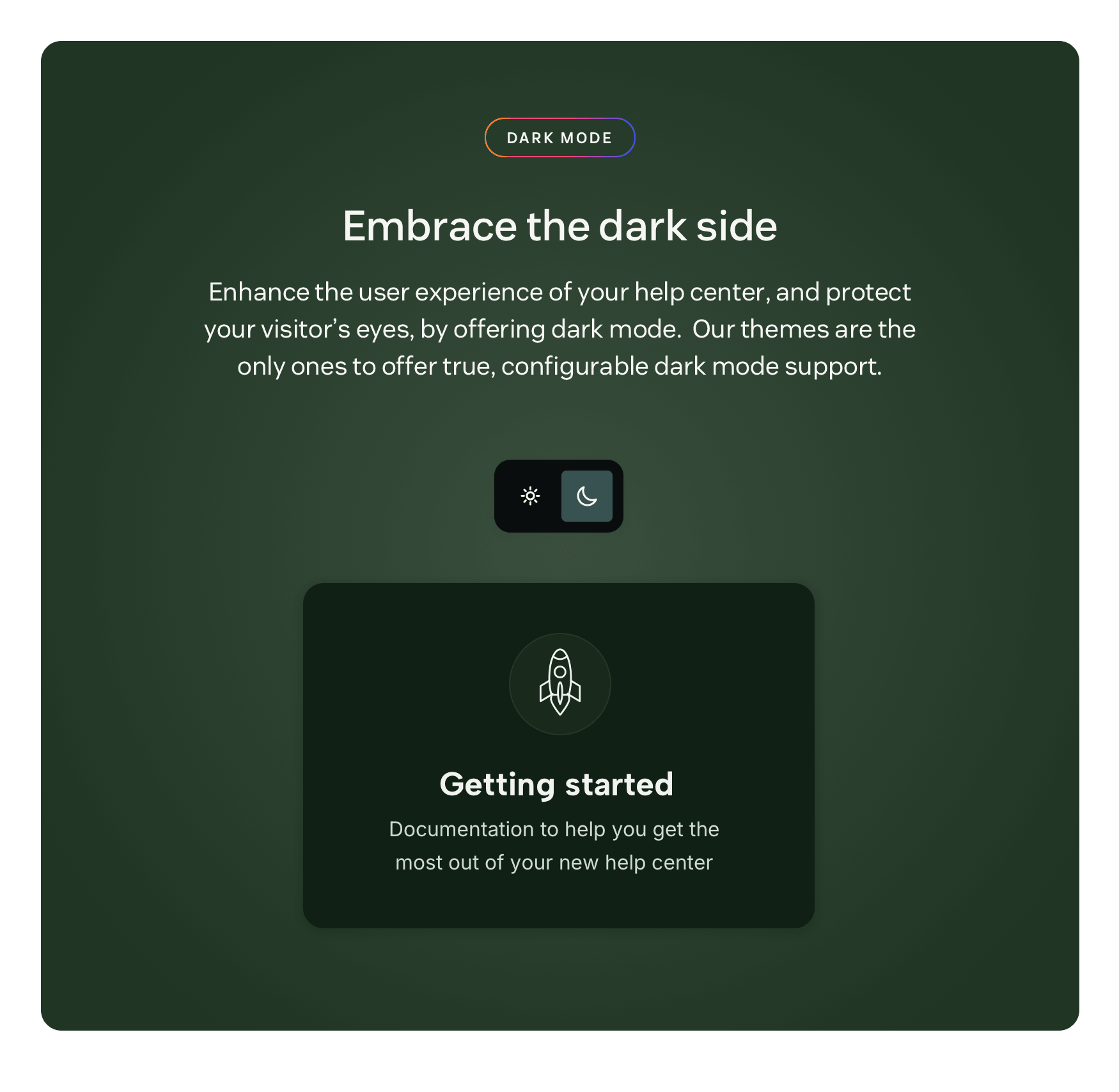
Dark mode support
- Custom page template support (coming soon)